
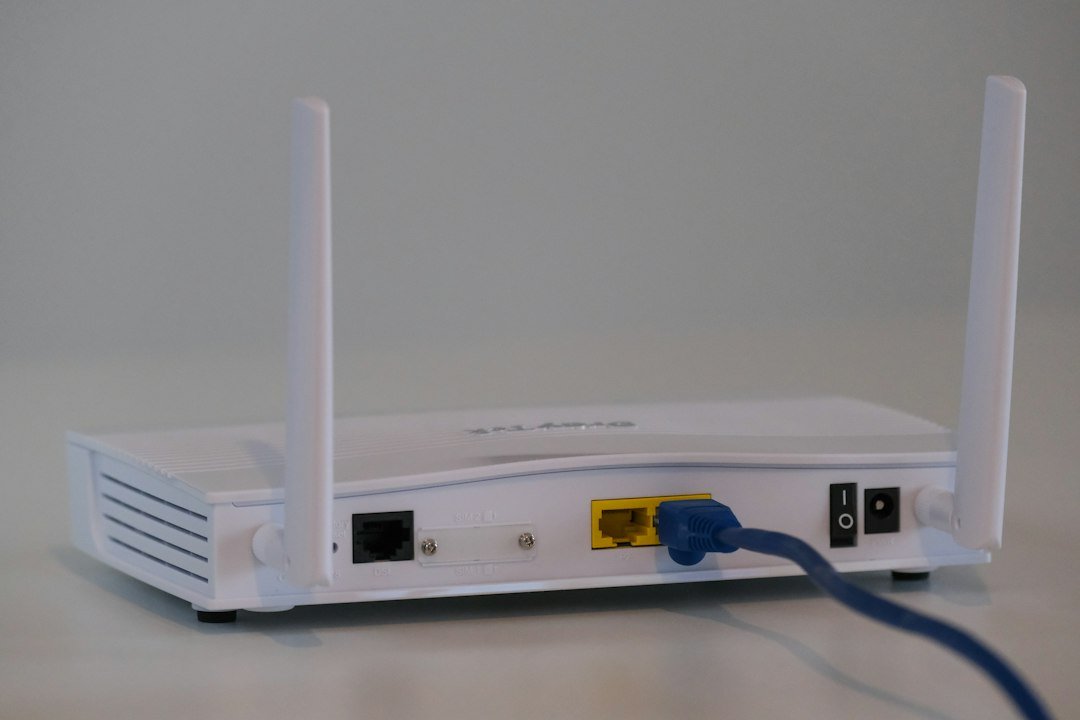
How to Improve Your Internet Speed: Practical Fixes
Table of Contents
A slow internet connection can turn simple daily tasks into exercises in frustration, whether it is a video call that keeps freezing, a webpage that takes forever to load, or a download that seems to crawl along at a fraction of the speed you are paying for. The good news is that many of the factors limiting your internet speed are within your control, and meaningful improvements often require no additional spending at all. This guide walks through the most effective, practical steps you can take to improve your internet speed at home, from router placement to ISP upgrades.
Quick answer: to improve your internet speed, test your connection with a cable first, move your router to a central and elevated spot, restart and update your equipment, cut the number of devices competing for bandwidth, and upgrade your plan or hardware only when your test results show you need to.
Start With an Accurate Diagnosis
Before attempting to fix a slow connection, it helps to understand exactly where the bottleneck lies. Run a speed test using a device connected directly to your modem via Ethernet, then run the same test over Wi-Fi from the same location. If wired speeds are strong but Wi-Fi speeds are noticeably weaker, your issue is likely related to your wireless network rather than your internet service itself. If both wired and wireless speeds fall well short of your plan’s advertised rate, the problem more likely lies with your internet service provider or your equipment. Getting this baseline right is the first step to improve your internet speed with confidence.
Testing at Different Times
Since network congestion varies throughout the day, testing at multiple times, including both quiet periods and busy evening hours, helps distinguish between a consistent underlying problem and one that only appears during peak usage when your neighborhood’s shared infrastructure is under the heaviest load.
Improve Your Internet Speed With Better Router Placement and Settings
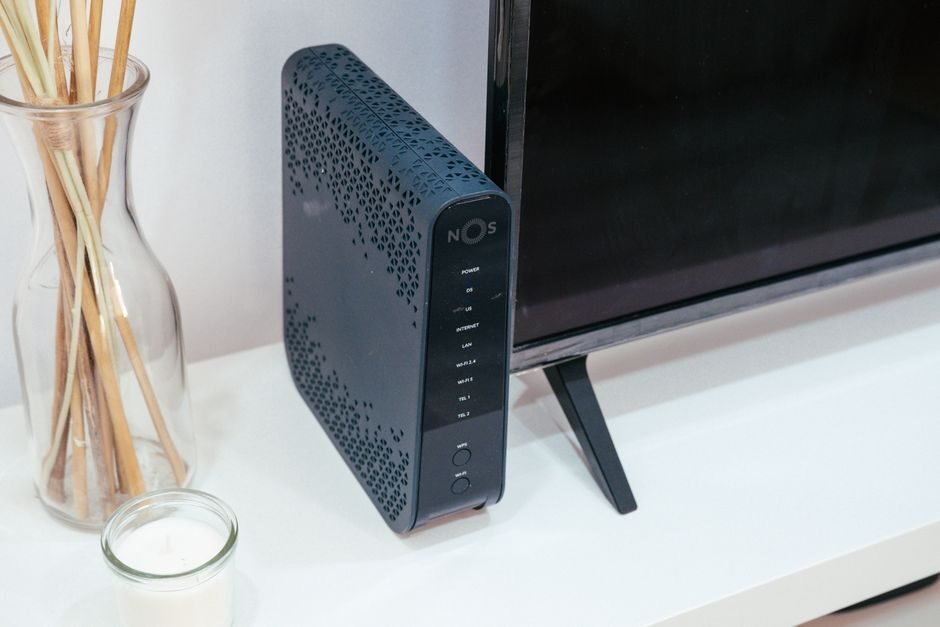
Router placement has an outsized impact on Wi-Fi performance that many people underestimate. Position your router in a central, elevated location, away from thick walls, metal objects, and large appliances that can block or reflect wireless signals. Avoid placing a router inside a cabinet or behind other furniture, since enclosed spaces trap heat and further attenuate the signal. If your home has multiple floors or a challenging layout, a single router may simply be unable to provide strong coverage everywhere, making a mesh system or additional access points worth considering.
Beyond placement, checking your router’s channel settings can help, particularly on the crowded 2.4 gigahertz band, where neighboring networks can cause significant interference. Many modern routers can automatically select the least congested channel, but manually reviewing this setting, especially in dense apartment buildings, can sometimes reveal an easy win.
Restart and Update Your Equipment
It sounds almost too simple, but periodically restarting your modem and router clears temporary memory issues and refreshes the connection to your internet service provider, often resolving gradual slowdowns that build up over weeks of continuous operation. Beyond restarting, ensure your router’s firmware is up to date, since manufacturers regularly release updates that improve performance, stability, and security alongside bug fixes that can directly affect speed and reliability. It’s one of the cheapest ways to improve your internet speed, and it takes only a few minutes.
Reduce Network Congestion to Improve Your Internet Speed at Home
Every device actively using your network competes for the same available bandwidth. Background processes like automatic cloud backups, software updates, and streaming devices left running in unused rooms can silently consume significant bandwidth without anyone noticing. Reviewing which devices are actively transferring data and pausing non-essential activity during times when you need maximum performance for an important task can produce a noticeable improvement without any equipment changes at all.
- Pause automatic software and app updates during times you need peak performance
- Disable cloud backup syncing on secondary devices during important calls or downloads
- Limit the number of simultaneous 4K streams running on your network at once
- Check for and remove any unfamiliar devices that may be using your network without permission
Upgrade Your Equipment When It Makes Sense
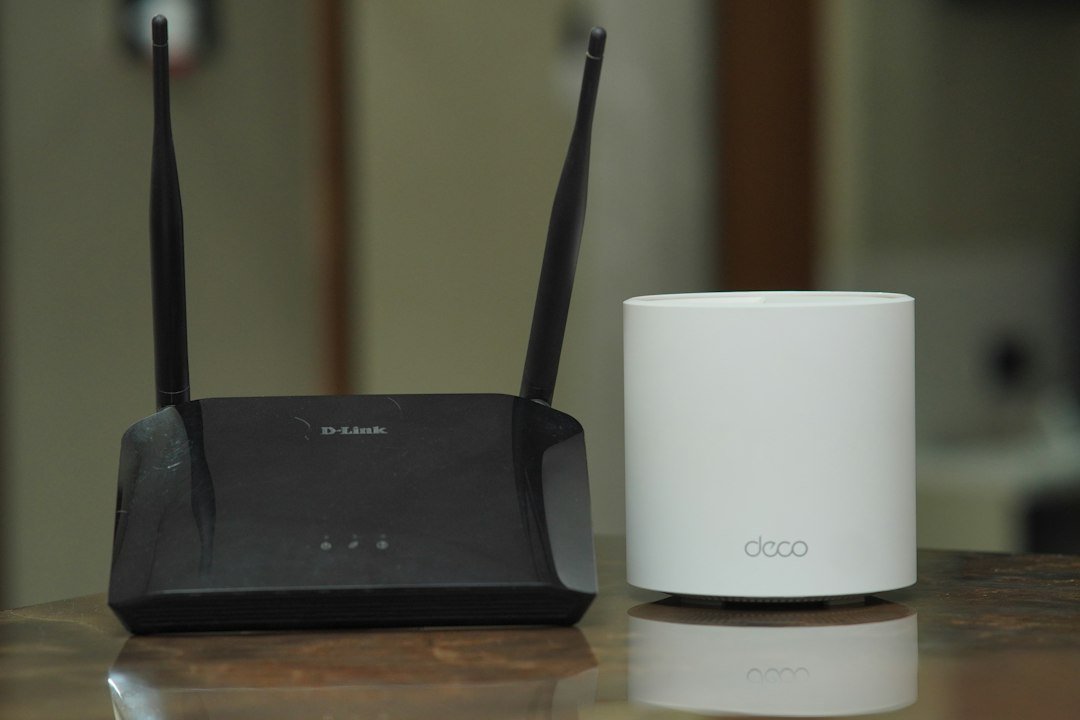
If your router or modem is more than four or five years old, it may not support the latest Wi-Fi standards or your full internet plan’s speed, effectively creating a bottleneck regardless of how good your underlying internet service is. Upgrading to modern equipment that matches or exceeds your plan’s advertised speed and supports current Wi-Fi standards can produce a substantial improvement, particularly in homes with many connected devices competing for bandwidth simultaneously. Replacing the right device can improve your internet speed more than paying for a bigger plan.
Consider a Wired Connection for Key Devices
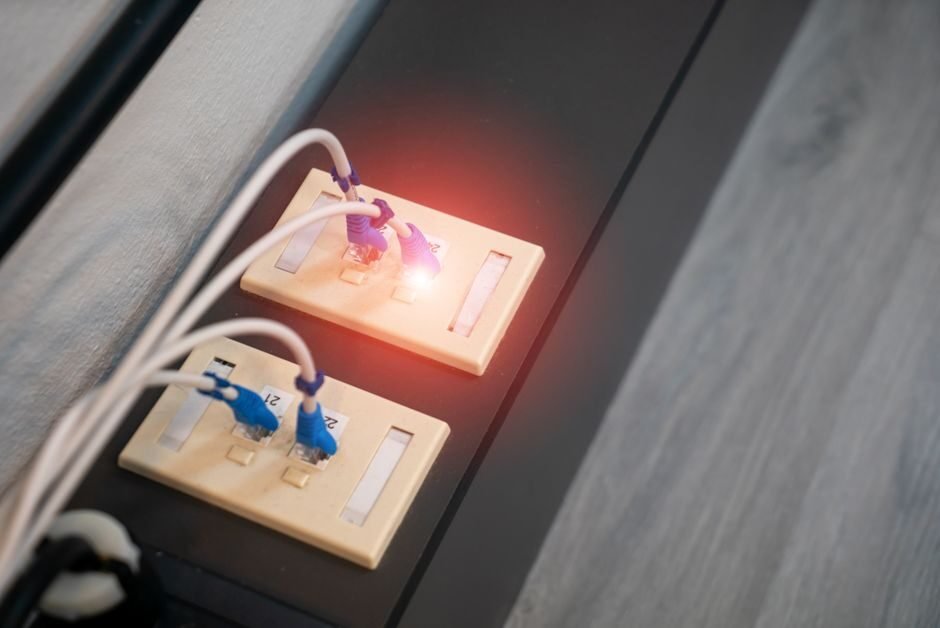
For your most important, stationary devices, such as a desktop computer, gaming console, or streaming box, connecting via Ethernet rather than Wi-Fi eliminates wireless variability entirely and typically delivers the fastest, most consistent performance available on your network. Even running a single Ethernet cable to your primary work-from-home setup can meaningfully improve reliability for video calls and other demanding tasks. A single cable is often the most reliable way to improve your internet speed on a desktop, console or TV.
Evaluate Whether Your Plan Still Fits Your Needs
Internet usage patterns change over time, and a plan that comfortably met your household’s needs a few years ago may no longer keep pace with more devices, higher-resolution streaming, and more demanding applications. If you have optimized your network and equipment and still experience consistent slowdowns, particularly during peak hours with multiple devices active, it may genuinely be time to consider upgrading to a higher-tier plan or exploring other providers available in your area. Paying for more bandwidth won’t improve your internet speed if the real bottleneck sits somewhere else.
When to Suspect a Provider-Side Issue
If wired speed tests consistently fall well short of your plan’s advertised rate despite optimized equipment and settings, the issue may lie with your internet service provider rather than your home network. Documenting test results over several days and contacting your provider’s support team with this evidence gives them a stronger basis for diagnosing whether the problem originates from local infrastructure, equipment issues, or a genuine service shortfall. If everything inside your home checks out, the next step to improve your internet speed is a conversation with your provider.
Long-Term Habits to Keep Your Internet Speed High
Improving your internet speed is not always a one-time fix; maintaining good performance over time benefits from periodic attention. Reviewing connected devices every few months, keeping firmware updated, and re-testing your speed periodically helps catch gradual degradation before it becomes a significant, noticeable problem. Building these small checks into a routine, much like other household maintenance tasks, keeps your network performing at its best over the long run rather than only addressing problems reactively once they become severe.
How This Connects to Broader Network Topics
Improving your internet speed often benefits from understanding the broader context of how networks are measured and optimized. See our guide on speed test best practices for accurate testing methodology, and our article on hardware and connectivity for a deeper look at building an optimal home network setup from the ground up.
The Role of DNS Servers and Perceived Speed
While DNS server choice does not affect your raw download or upload throughput, it can meaningfully affect how quickly websites appear to load, since your device must resolve a domain name to an actual server address before any content can begin loading. Switching from your provider’s default DNS servers to a faster, more reliable third-party option can shave meaningful time off page load initiation, particularly if your provider’s default DNS infrastructure is slow or occasionally unreliable. This is a low-risk, free change that many people overlook when troubleshooting perceived internet slowness.
It is worth distinguishing these perceived ways to improve the Speed of Your Internet at home, from router placement to ISP upgrades, from an actual increase in your connection’s bandwidth capacity. DNS optimization makes the process of finding a website faster, but it does nothing to increase internet speed the maximum speed at which data can subsequently transfer once that connection is established- which is why it should be considered a complementary optimization rather than a replacement for addressing underlying bandwidth or equipment issues.
Managing Quality of Service Settings
Many modern routers include a feature called Quality of Service, or QoS, which allows you to prioritize certain types of traffic over others on your network. For households where video calls or online gaming are important but compete with other bandwidth-heavy activities like large downloads or 4K streaming happening simultaneously, configuring QoS to prioritize latency-sensitive traffic can produce a noticeably smoother experience for the activities that matter most, even without any change to your overall available bandwidth.
Setting up QoS effectively requires identifying your priority devices or applications and configuring rules accordingly, a process that varies by router manufacturer but is generally accessible through the same administrative interface used for other router settings. Many newer routers offer simplified, automatic QoS modes that require little manual configuration while still providing meaningful benefits for typical household usage patterns.
Seasonal and Environmental Factors
For certain connection types, environmental factors can meaningfully affect performance in ways that are easy to misattribute to other causes. Satellite internet connections are particularly susceptible to heavy rain and snow, which can degrade signal quality temporarily. Even standard wireless home networks can experience seasonal variation, as increased humidity or foliage growth around outdoor equipment can subtly affect signal propagation for certain setups. Being aware of these environmental factors helps avoid unnecessary troubleshooting when a temporary weather-related dip in performance is the actual, non-persistent cause.
Common Mistakes That Keep You From Improving Your Internet Speed
Before you spend money, check that you aren’t making one of these common mistakes.
- Testing over Wi-Fi only. A single wireless test mixes your line speed with your signal quality. Always compare it with a wired result first.
- Buying a faster plan too early. If the bottleneck is an old router or a crowded channel, a bigger plan changes nothing.
- Hiding the router. Cabinets, TV stands and basements block signals. Our guide to mesh Wi-Fi systems shows how to cover difficult homes.
- Ignoring latency. Speed isn’t the only measure: network latency and jitter decide how smooth calls and games feel.
- Blaming the provider first. Many slowdowns start inside your home. Check bufferbloat before you call support.
If your router is several years old, a newer standard can also help. Our guide to the key benefits of Wi-Fi 7 explains what you gain, and the Wi-Fi Alliance lists what each generation offers. Fix these mistakes first, and you’ll often improve your internet speed without paying a cent.
Conclusion: Improve Your Internet Speed One Step at a Time
You don’t need to be a network engineer to improve your internet speed. Start by measuring honestly, fix the free things first (router position, restarts, congestion and wiring), and only then decide whether a new router or a faster plan makes sense. Each step narrows down the cause, so you stop guessing and start fixing. When you want to go deeper, our complete guide to internet speed testing and our Ethernet vs Wi-Fi comparison are good next reads.
Your next step: run a free test with our Internet Performance Analyzer, write down your download, upload and latency, work through this checklist, and test again. Which fix made the biggest difference for you? Leave a comment and tell us.
Frequently Asked Questions
What is the fastest way to improve your internet speed?
Start with the free changes: test with a cable, restart the router, move it to a central and elevated spot, and disconnect devices you aren’t using. These steps often deliver the biggest immediate gain before you spend anything.
Will restarting my router really make a noticeable difference?
Yes, in many cases. Restarting clears temporary memory issues and refreshes your connection to your provider, often resolving gradual performance degradation that builds up over extended periods of continuous operation without a reboot.
Can a VPN improve your internet speed?
No, typically. Routing traffic through a VPN adds an extra hop and encryption overhead, which usually reduces measured speed somewhat, though the impact varies depending on the VPN provider and server location chosen.
How much does router placement actually matter?
Significantly. Central, elevated placement away from obstructions and interference sources can Improve The Speed of Your Internet coverage and speed throughout a home more than many equipment upgrades alone would achieve.
Can outdated devices, like an old laptop, cause slow speeds even with a fast plan?
Yes. Older network adapters may not support current Wi-Fi standards or your plan’s full speed, meaning the device itself can be the bottleneck even when your router and internet service are performing well.
Is it worth buying a Wi-Fi extender?
Extenders can help in some situations but often improve the Speed of Your Internet in the extended area, since they typically rebroadcast the signal on the same channel. A mesh system generally provides more consistent performance for larger homes.
Can too many connected smart home devices slow down my internet?
Yes, particularly on the 2.4 gigahertz band, which many smart home devices share. A modern router with sufficient device capacity, or segmenting smart devices onto a separate network, can help mitigate this.
How long should I wait after changes before re-testing speed?
Wait a few minutes after any router restart or configuration change, and test at a similar time of day as your original baseline test, to ensure you are comparing results under similar network conditions.
Should I upgrade my internet plan or my equipment first?
Start by optimizing Improve the Speed of your internet connection via a wired connection. If wired speeds already match your plan, equipment upgrades may not help much, and a plan upgrade would be the more effective next step.
Does clearing my browser cache improve my internet speed?
Clearing cache can resolve some browser-specific loading issues but does not improve your actual network speed. It addresses a different, application-level type of slowdown rather than your connection’s raw throughput.
Does changing my DNS server actually help?
It can improve how quickly websites begin loading by speeding up domain name resolution, though it will not increase your connection’s actual maximum download or upload speed.
What is Quality of Service and should I enable it?
QoS lets you prioritize certain traffic, like video calls, over less time-sensitive activity on your network. It is worth enabling in households where multiple demanding activities regularly compete for bandwidth simultaneously.
Can weather really affect home internet speed?
For satellite connections, yes, significantly. Wired connections like fiber and cable are largely unaffected by weather, though extreme conditions can occasionally impact outdoor equipment or local infrastructure. Improving your internet speed is a matter of methodically working through diagnosis, optimization, and, when necessary, targeted upgrades rather than assuming a single fix will solve every issue. According to the FCC’s broadband speed guide, understanding your household’s actual bandwidth needs relative to your current plan is an essential first step before deciding whether the issue calls for optimization, equipment upgrades, or a different service tier altogether.




4 Comments