DOCSIS 4.0: The Powerful Fix for Slow Cable Uploads
Your cable plan promises a gigabit on the download side, so why does a single video upload still crawl along like it’s 2012? Most people blame their Wi-Fi, their laptop, or plain bad luck. The real culprit is usually the cable itself: for decades, cable internet gave you a wide highway for downloads and a narrow footpath for uploads.
DOCSIS 4.0 is the upgrade built to change that. It turns cable into true multi-gigabit cable internet, with fast speeds in both directions, and it does it over the same coaxial lines that already run into millions of homes. No new trench, no fiber in your front yard.
There’s a catch, though. The rollout is uneven, the hardware isn’t on store shelves yet, and the marketing is running ahead of reality. Before you call your provider, let’s separate what’s real from what’s hype, and work out what you can do while you wait.
Table of Contents

What Is DOCSIS 4.0 and Why Does It Matter?
Cable Internet in Thirty Seconds
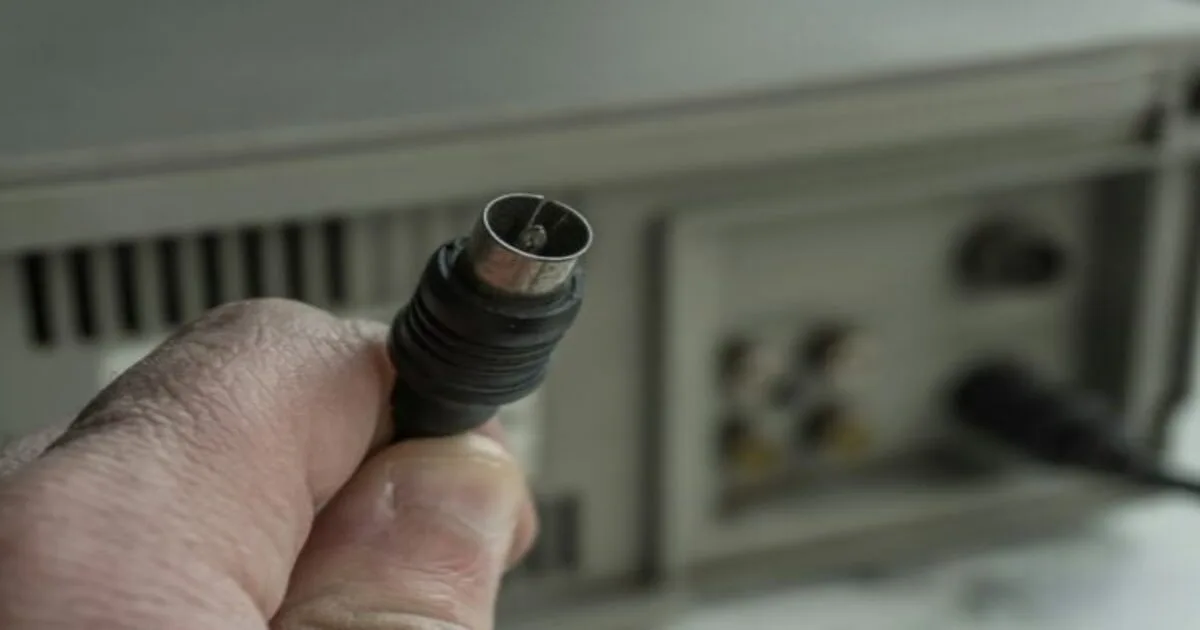
DOCSIS stands for Data Over Cable Service Interface Specification. It’s the rulebook that lets your cable modem push internet data through the same coaxial cable that once carried nothing but television channels. Every few years, the industry rewrites that rulebook to squeeze more capacity out of the wire that’s already there.
Version 3.1 brought gigabit downloads to most cable customers. The new generation is the first one that treats uploads as a priority instead of an afterthought.
DOCSIS 3.1 vs DOCSIS 4.0 in Plain Numbers
On paper, the specification supports up to 10 Gbps downstream and up to 6 Gbps upstream, using spectrum as high as 1.8 GHz. In a June 2025 industry test, gear from several vendors working together reached about 14 Gbps downstream, according to CableLabs. Those are ceilings, not what lands on your router, but they show how much headroom the technology has.
Here’s how the two generations compare in practice:
- Download speed: Both generations support multi-gigabit downloads, so don’t expect a dramatic jump here.
- Upload speed: This is the big change. Multi-gigabit uploads become possible on cable.
- Symmetry: Upload and download speeds can finally be close to equal, something only fiber offered before.
- Spectrum: Up to 1.8 GHz, or a smarter way of sharing the space that already exists.
- Latency: Low Latency DOCSIS carries over from version 3.1 and keeps improving responsiveness.
Why Upload Speed Is the Real Story
Think about how you actually use your connection. A video call sends your face upstream. Cloud backups send your photos upstream. So do game streams, security cameras, remote desktop sessions, and that giant attachment you finally decided to email. Cable networks were designed when people mostly watched things, so upload capacity was an afterthought.
Fiber has long sold symmetrical plans, where upload and download match. That’s one reason people leave cable. The new standard lets cable compete on that front over wiring that’s already in your wall, which could mean faster backups, cleaner video calls and less waiting when you send big files.

Speed isn’t the only thing that decides how a call feels, of course. Delay and jitter matter just as much, so it helps to understand what ping and jitter mean for your connection. And if you’re weighing providers right now, our practical ISP buying guide shows what to compare besides the headline number.
How DOCSIS 4.0 Works: FDX and ESD
Two engineering routes lead to the same destination, and you’ll see both acronyms in the news.
Full Duplex DOCSIS (FDX)
FDX lets upstream and downstream traffic share the same slice of spectrum at the same moment, using echo cancellation to keep the two directions from stepping on each other. Picture a two-way road where cars heading opposite ways somehow share one lane without colliding. Comcast champions this approach and has been installing special FDX amplifiers across its network.
Extended Spectrum DOCSIS (ESD)
ESD takes a more traditional route. Instead of squeezing more out of existing space, it adds room by extending usable spectrum up to 1.8 GHz. Charter and Cox have leaned toward this path, which fits well with older cable layouts, as Light Reading’s coverage of the FDX and ESD debate explains.
Which One Will You Get?
It depends on your provider, and for you it barely matters. Executives at the big operators have described the two methods as complementary, and some networks may use both. What you’ll notice is the result: faster, steadier uploads.
The Upgrades You Never See
Behind the scenes, providers are pushing fiber deeper into neighborhoods, replacing head-end gear with software-based systems and rebuilding amplifiers. A vendor executive quoted by Fierce Network expects 2026 to be the first year of large-scale upgrades, although operators are taking their time because rebuilding a big, complicated network isn’t quick. The payoff is capacity and consistency, which matters as much as raw speed when you’re on a call. Our explainer on network latency shows why.
Who Has DOCSIS 4.0 Right Now?
Rollouts are uneven, so treat this as a snapshot rather than a promise for your street. Based on industry reports and trackers published in 2026:
- Comcast (Xfinity): The furthest ahead. Its chief network officer has said the deployment now covers millions of homes, and the company has installed roughly 300,000 FDX amplifiers, as summarized by the Benton Institute.
- Charter (Spectrum): Upgrading its network and pursuing the extended spectrum path, but cautious about marketing the new capabilities before the work is further along.
- Cox: Lab-tested, with limited deployments starting. Trackers advise most customers to expect version 3.1 through 2026.
- Mediacom and smaller operators: Mediacom has announced commercial deployments, and Sparklight has launched multi-gig service in select markets, with wider rollouts expected through 2026 and 2027.
Because plans vary from city to city, the only reliable check is your provider’s address lookup. Don’t trust a map on a billboard.
Do You Need a New Modem?
Probably, but not in the way you might expect. Trackers noted in 2026 that modems for the new standard weren’t sold at retail yet, which means providers supply the equipment themselves. Two practical consequences follow:
- Don’t buy a modem advertised as ready for the new standard from a marketplace seller. Ask your provider which devices it supports first.
- Your current version 3.1 modem should keep working while the network gets upgraded, but it can’t deliver the new upload speeds.
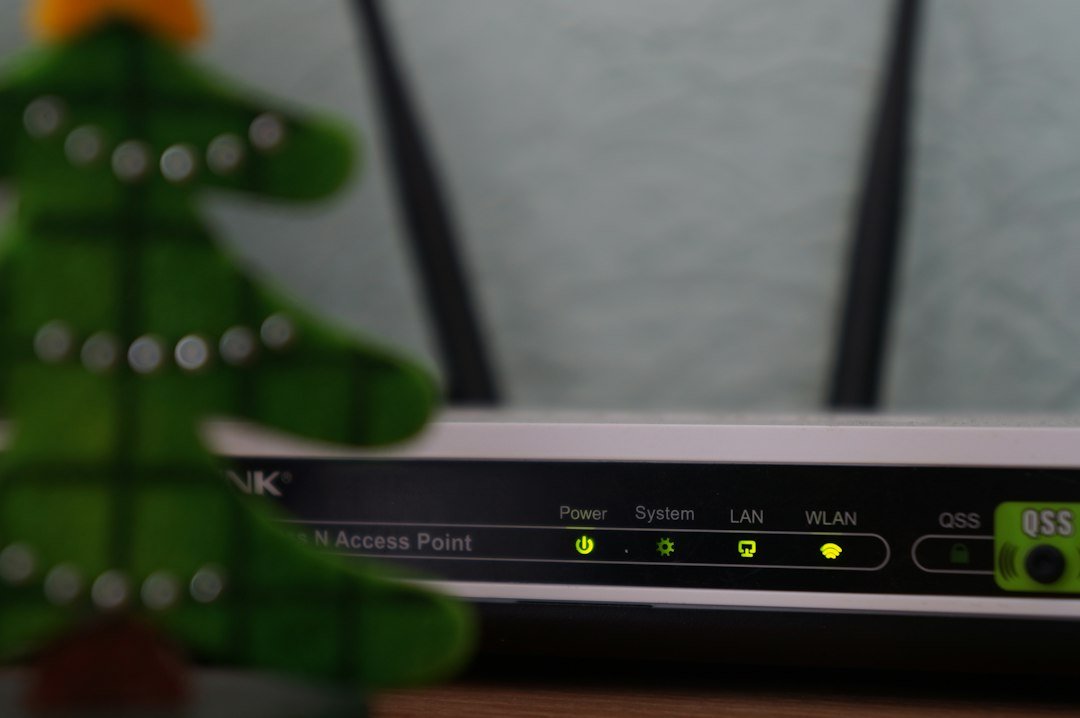
Your own gear can hold you back too. A multi-gig line is wasted if your router has gigabit ports or your Wi-Fi tops out far below the line’s speed. If your router is a few years old, our guide to the key benefits of Wi-Fi 7 shows what a modern wireless upgrade offers, and our comparison of Ethernet vs Wi-Fi explains when a plain cable beats wireless.
Cable, Fiber or Something Else? How to Decide
In most cases, fiber is still the gold standard for symmetrical speeds and steady latency, and where it’s available at a fair price, it deserves a serious look. But cable is catching up, and it often costs less to start. The right choice depends on what’s actually offered at your address, not on a spec sheet. And if neither is an option where you live, our comparison of satellite internet vs fiber covers the other end of the spectrum.
Questions to Ask Your Provider
Before you switch or upgrade, put these questions to a sales rep and write down the answers:
- Is the new cable technology live at my exact address, or only planned?
- What are the typical and minimum upload speeds, not just the best-case number?
- Do I need new equipment, and is there a fee?
- What will the plan cost once the promotional period ends?
- Is there a data cap or a monthly equipment rental charge?
How to Test Your Connection Before and After an Upgrade
Marketing numbers describe a perfect day. Your connection lives through ordinary ones, so measure it yourself:
- Plug in a cable. Test from a laptop wired to your router so you measure the line, not your wireless signal.
- Test at different times. Run it once in the morning and once at evening peak, when your neighbors are streaming.
- Record upload and latency. Most people only look at download, which hides the very thing this upgrade improves.
- Repeat after any change. Use the same device, the same cable,e and the same method so the comparison is fair.
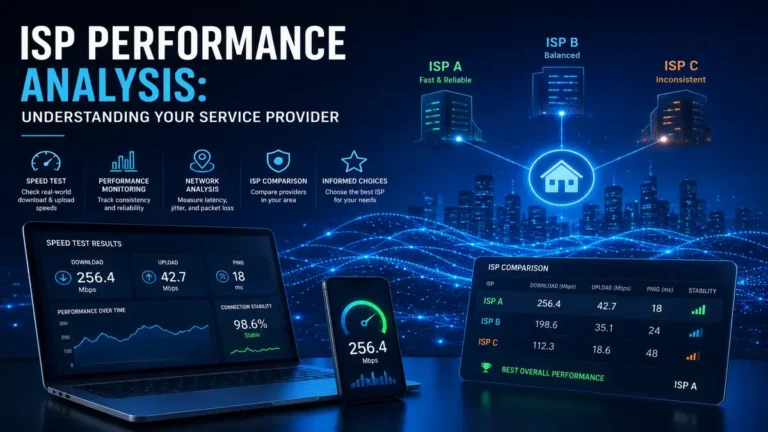
Not sure how to get trustworthy numbers? Start with our speed test best practices and our complete guide to internet speed testing. Then run the Internet Performance Analyzer to see how your line behaves right now. If the results disappoint, our list of practical ways to improve your internet speed covers fixes that don’t cost a cent.
Three Myths About DOCSIS 4.0 You Can Safely Ignore
Whenever a new standard arrives, the hype machine warms up fast. Before you spend a single dollar, run these three popular claims through a quick reality check.
Myth One: Everyone Will Get 10 Gbps
That figure is the specification’s ceiling. It gets shared across a neighborhood and shaped by whatever your provider decides to sell. Plans will come in tiers, and the speeds you can actually buy at your address may sit well below the maximum. Treat 10 Gbps as an engineering milestone, not a shopping list, and compare the plan prices and upload speeds that are really on offer.
Myth Two: It Will End All Lag
More capacity helps, but lag has plenty of causes. A cluttered Wi-Fi band, an overloaded router queue, or a busy game server can spoil your session no matter how fast the cable is. If your connection only chokes when someone else is online, read our explanation of bufferbloat before you assume a faster line is the cure. The fix might be a single router setting.
Myth Three: Fiber Is Suddenly Pointless
Not at all. Fiber remains a superb option, and in many places it keeps expanding. What changes is that cable stops being the obvious loser for anyone who uploads a lot. You get a real choice between two strong technologies instead of settling for whichever one reaches your street first, and that competition tends to be good for your wallet.
What Comes Next for Cable?
This isn’t the end of the road. CableLabs has already discussed extending the technology to 3 GHz and even looking toward 6 GHz in the years ahead. That’s a reminder that cable providers see this as a long-term platform, not a one-off patch. For you, the sensible plan is simple: choose based on what your address can get today, and keep an eye on announcements from your provider.
Conclusion: DOCSIS 4.0 Is Real, but Your Address Decides
DOCSIS 4.0 fixes a problem you’ve probably felt for years: cable’s lopsided speeds. By opening the door to multi-gigabit uploads over the wire you already have, it gives cable a serious answer to fiber. The catch is timing. Some neighborhoods have it, many don’t, and the equipment comes from your provider rather than a store shelf.
So don’t rush into a contract because of a buzzword. Find out what your provider actually offers at your address, measure your current line honestly, and upgrade your own router and Wi-Fi so they aren’t the weak link.
Your next step: run a free test with our Internet Performance Analyzer, save your download, upload, and latency numbers, and share this guide with a neighbor who’s about to renew a cable contract. Have a question about your own plan? Leave a comment and tell us which provider you use.
Frequently Asked Questions About DOCSIS 4.0
What is DOCSIS 4.0?
DOCSIS 4.0 is the latest cable internet specification from CableLabs. It supports up to 10 Gbps downstream and up to 6 Gbps upstream over existing coaxial cable, which makes fast, symmetrical cable plans possible.
Is DOCSIS 4.0 faster than DOCSIS 3.1?
Mostly for uploads. Both generations handle multi-gigabit downloads, but the newer one opens the door to multi-gigabit uploads and more consistent speeds in both directions.
Do I need a new modem for DOCSIS 4.0?
Usually yes, if you want the new speeds. Retail modems weren’t widely available in 2026, so providers supply compatible equipment. Your current modem should keep working on an upgraded network, but it can’t deliver the new upload speeds.
How do I know if DOCSIS 4.0 is available at my address?
Use your provider’s address checker or ask support whether the new technology is live on your street, and ask for typical upload speeds. Third-party tracker pages can help, but they may lag behind real rollouts.
Is DOCSIS 4.0 as good as fiber?
It’s much closer than cable has ever been, especially for uploads. Fiber still tends to offer the steadiest latency and the most headroom, so compare real plans and prices at your address before you decide.