Internet Speed Testing: The Ultimate Guide to Better Speed
Table of Contents
Internet Speed Testing has become a routine activity for millions of people, whether troubleshooting a sluggish connection, verifying that an internet service provider is delivering the speeds promised in a contract, or simply satisfying curiosity about how fast a new connection really is. Yet despite how common speed testing has become, many people misunderstand exactly what these tests measure, how to interpret the results, and why two tests run minutes apart can sometimes produce noticeably different numbers. This guide explains how internet speed testing actually works, what the numbers mean, and how to get results that genuinely reflect your connection’s real-world performance.
What Internet Speed Testing Actually Measures
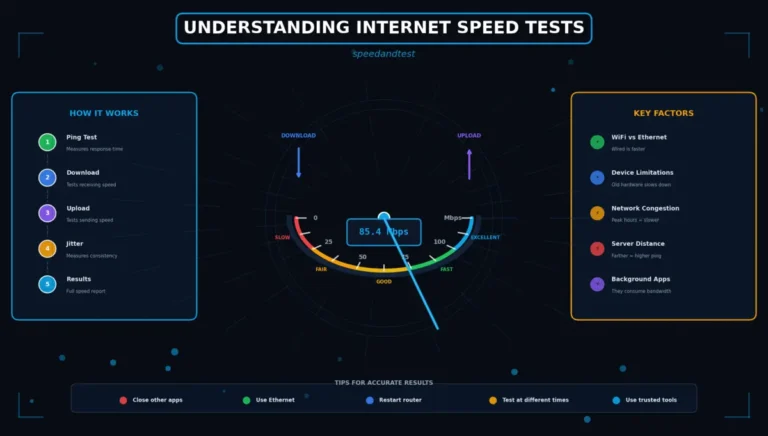
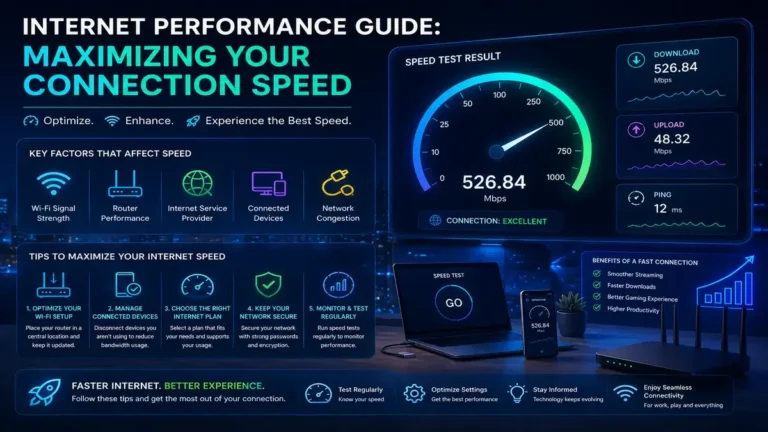
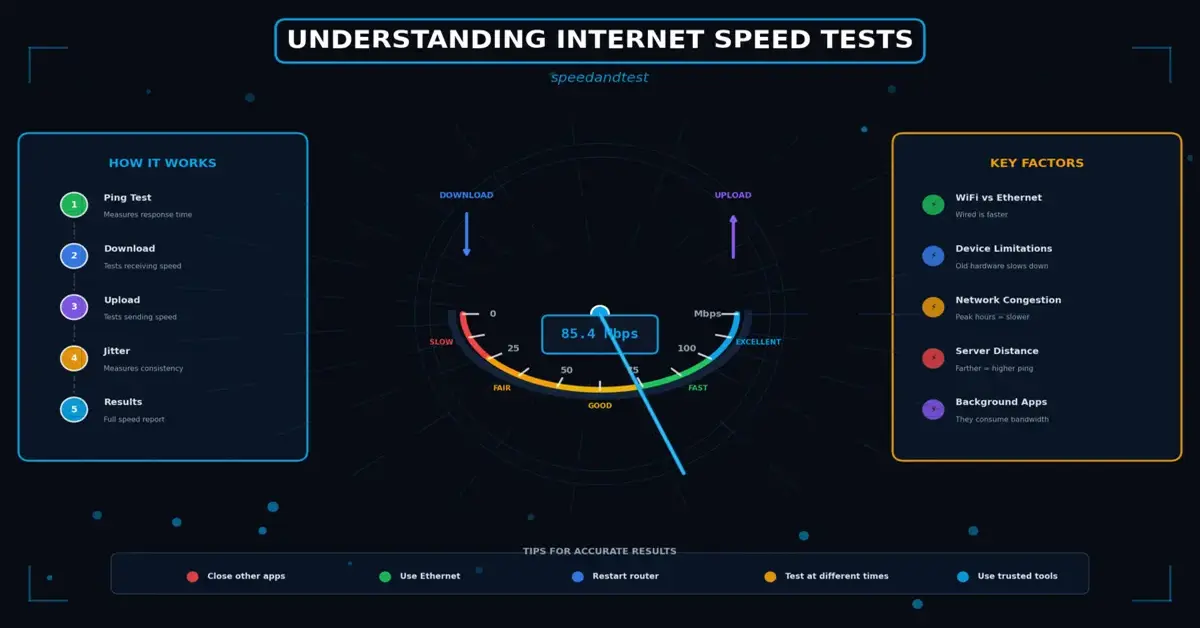
A typical Internet Speed Testing measures three core metrics: download speed, upload speed, and latency, sometimes alongside a related metric called jitter. Download speed measures how quickly data can travel from a remote server to your device, which is the metric most relevant to everyday activities like streaming video, browsing websites, and downloading files. Upload speed measures the reverse: how quickly data travels from your device to a remote server, which matters for activities like video calls, cloud backups, and uploading content.
Latency, often reported in milliseconds, measures the round-trip time it takes for a small packet of data to travel from your device to the testing server and back. Lower latency numbers indicate a more responsive connection, which is particularly important for real-time applications like video conferencing and online gaming, where even small delays are noticeable to users.
How Internet Speed Testing Works Technically
Most Internet Speed Testing work by downloading and uploading a series of data files to and from a nearby test server, measuring how long the transfer takes and calculating the effective throughput in megabits per second. The test typically selects a server based on estimated proximity to your location, since testing against a distant server can introduce additional latency and reduce measured speeds in ways that do not reflect your actual local connection quality.

Why Internet Speed Testing Results Vary
It is common to run the same Internet Speed Test twice in a row and see meaningfully different results, which can be confusing if you are not aware of the many factors that influence a given test’s outcome. Network congestion, both on your local network and on your internet service provider’s broader infrastructure, fluctuates constantly based on how many people are actively using the network at any given moment. The specific test server selected, its distance from you, and its own current load all affect results as well.
Your own local network conditions matter significantly too. Running a speed test over Wi-Fi rather than a direct wired connection introduces additional variables, including interference, distance from the router, and competition from other devices actively using the network at the same time, all of which can meaningfully reduce the measured speed compared to your connection’s true capacity.
Getting the Most Accurate Results
To get Internet Speed Testing results that genuinely reflect your internet service provider’s performance rather than local network limitations, connect your testing device directly to your modem or router via an Ethernet cable whenever possible. This eliminates Wi-Fi as a variable entirely. Additionally, pause or close other applications and devices that might be actively using bandwidth during the test, since background downloads, streaming, or cloud backups running elsewhere on your network can silently consume bandwidth and skew your results downward.
- Connect via Ethernet directly to your modem or router rather than testing over Wi-Fi
- Close background applications and pause downloads, streaming, or cloud syncing on other devices
- Run multiple Internet Speed Testing at different times of day to build an accurate average picture
- Use more than one testing service to cross-check results and rule out server-specific anomalies
- Avoid testing immediately after a router restart, since initial connections can be temporarily unstable

Understanding Your Internet Speed Testing Results in Context
Once you have a set of Internet Speed Testing results, interpreting them requires understanding your plan’s advertised speed and what realistic performance looks like relative to that number. Internet service providers typically advertise “up to” speeds representing a theoretical maximum, and consistently receiving eighty to ninety percent of that advertised number under normal conditions is generally considered reasonable performance. Results that fall dramatically below that threshold on a regular basis, particularly when tested via a direct wired connection, suggest a genuine issue worth investigating with your provider.
Mbps, Gbps, and Understanding Internet Speed Testing Data Rate Units
Internet Speed Testing are measured in bits per second, most commonly expressed as megabits per second (Mbps) for typical home connections or gigabits per second (Gbps) for very high-speed fiber connections. It is worth noting that these units measure bits, not bytes, and file sizes are typically expressed in megabytes or gigabytes, meaning a “100 Mbps” connection transfers approximately 12.5 megabytes per second under ideal conditions, a common point of confusion when estimating how long a large file download will actually take.
Internet Speed Testing for Specific Use Cases
Different online activities have different bandwidth requirements, and understanding these baselines helps put your Internet Speed Testing results into practical context. Standard-definition video streaming typically requires just a few megabits per second, while 4K streaming can require twenty-five megabits per second or more per simultaneous stream. Video conferencing generally requires a modest amount of both download and upload bandwidth but is particularly sensitive to latency and jitter rather than raw throughput. Online gaming similarly prioritizes low, consistent latency over maximum download speed.
Mobile Internet Speed Testing Considerations
Internet Speed Testing on a mobile device over a cellular network introduces its own set of variables beyond those relevant to home Wi-Fi testing. Signal strength, network congestion in your specific cell tower’s coverage area, and even the specific frequency bands your device is currently using can all significantly affect results. Testing at different times and locations provides a more complete picture of your mobile carrier’s actual performance in the areas where you use your device most.
When to Contact Your Provider
If your Internet Speed Testing results consistently and significantly fall short of your plan’s advertised speed, particularly when tested via a wired connection with no other devices active on the network, it is reasonable to contact your provider with documented evidence. Keeping a log of test results across several days, including timestamps and the testing method used, gives customer support a much stronger basis for diagnosing and resolving the issue than a single anecdotal complaint.
How This Connects to Broader Performance Topics
Understanding Internet Speed Testing is foundational to diagnosing and improving your overall internet experience. For practical guidance on testing methodology in more depth, see our article on speed test best practices, and once you understand your current performance, see our guide on how to improve your internet speed for actionable next steps.
The History and Evolution of Internet Speed Testing Tools
Internet speed testing tools have evolved considerably since their early days, when simple file download timers offered only a rough approximation of connection performance. Modern speed testing platforms use sophisticated algorithms that adjust test file sizes dynamically based on connection speed, select servers based on real-time network conditions rather than simple geographic proximity, and measure multiple simultaneous connections to more accurately reflect how real-world internet usage, which often involves many simultaneous data streams, actually behaves. These improvements have made modern speed tests considerably more reliable and representative of real-world performance than earlier, simpler tools.
Despite these improvements, no speed test can perfectly replicate every possible real-world usage pattern. A speed test measures a controlled, deliberate transfer of data to a specific server, while everyday internet usage involves many simultaneous, often smaller and more sporadic data transfers to many different destinations. This is why speed test results, while useful and generally representative, should be understood as a strong indicator rather than an exact prediction of performance for every possible online activity.
Common Misconceptions About Speed Testing
A persistent misconception is that a single speed test result definitively represents your connection’s true capability at all times. In reality, network performance is inherently variable, influenced by factors ranging from time of day to weather conditions affecting certain connection types, and a meaningful assessment requires multiple tests over time rather than a single snapshot. Another common misconception involves conflating speed with overall internet quality; a connection can have excellent raw speed test numbers while still suffering from packet loss or inconsistent latency that degrades the experience for real-time applications in ways a basic speed test does not fully capture.
Some users also mistakenly believe that a faster speed test result always translates directly into a proportionally faster experience for every online activity. In practice, many common tasks, including web browsing and standard video streaming, reach a point of diminishing returns well below the maximum speeds offered by premium internet plans, meaning the practical difference between a very fast and an extremely fast connection may be less noticeable for typical daily use than the price difference between the two plans might suggest.
Frequently Asked Questions
Why is my upload speed so much lower than my download speed?
Many residential internet plans, particularly cable and DSL, are intentionally asymmetric, allocating more capacity to downloads since most household activity historically consumed more download than upload bandwidth. Fiber plans are more likely to offer symmetric speeds.
What causes jitter and why does it matter?
Jitter is the variation in latency over time, often caused by network congestion or inconsistent routing. High jitter can cause choppy audio or video during calls even when average latency and speed appear otherwise acceptable.
How many speed tests should I run to get an accurate picture?
Running at least five to ten tests spread across different times of day over about a week provides a much more reliable picture than relying on a single test result.
Does the time of day affect speed test results?
Yes, significantly. Evening hours typically see the highest network usage in most residential areas, which can result in somewhat lower speeds compared to testing during off-peak hours like early morning.
Why do speed tests sometimes show faster results than my actual browsing experience?
Speed tests measure a dedicated, optimized data transfer to a nearby server, while real websites often involve many smaller requests to multiple servers, meaning perceived browsing speed depends on more than raw throughput alone.
Can a VPN affect my speed test results?
Yes. Routing traffic through a VPN typically adds some latency and can reduce measured speed, since your data takes an additional detour through the VPN provider’s servers before reaching its final destination.
Is it normal for speed tests to show different results on different websites?
Yes, since different testing services use different servers, methodologies, and file sizes for their tests. Using two or three reputable services and comparing trends over time is more informative than fixating on a single test’s exact number.
Should I test speed on Wi-Fi or Ethernet to check my ISP’s performance?
Always use a wired Ethernet connection when specifically evaluating your internet service provider’s performance, since this removes Wi-Fi-related variables and gives the clearest picture of what your provider is actually delivering to your home.
What is a good ping result for online gaming?
Ping under 30 milliseconds is generally considered excellent for gaming, 30 to 60 milliseconds is good for most games, and results above 100 milliseconds often become noticeable as input lag in fast-paced titles.
Do speed tests measure the quality of streaming video?
Not directly. Speed tests measure raw throughput and latency, while streaming quality also depends on factors like packet loss and jitter, which a basic speed test may not fully capture even when raw speed numbers look strong.
Can old modem or router hardware affect my speed test results?
Yes. Outdated equipment may not support your plan’s full advertised speed, creating a bottleneck that shows up in speed tests even when your provider’s network is delivering the full contracted speed to your home.
Understanding how internet speed testing works, and testing correctly, empowers you to make informed decisions about your internet service and troubleshoot problems more effectively. According to Wikipedia’s explanation of data-rate units, understanding the distinction between bits and bytes, and the various prefixes used to describe data transfer rates, provides a useful foundation for interpreting any speed test result accurately.