
eSIM vs Physical SIM: The Powerful Upgrade Explained
Table of Contents
eSIM vs Physical SIM: The Powerful Upgrade Explained
Picture this: you land in a new country, your phone shows no signal, and the only shop selling local SIM cards is a forty-minute taxi ride away. Now picture skipping that detour by scanning a QR code at baggage claim. That everyday promise sits behind the eSIM vs. physical SIM debate, and it is why so many people now eye the tiny plastic tray in their phone with fresh suspicion.
But is switching as simple as the ads make it sound? Is your phone even compatible, and what happens if it breaks or gets stolen? eSIM vs. physical SIM. You deserve straight answers before you move your phone number to something you cannot hold in your hand.
This guide explains what an eSIM is, how it compares with a physical card, how to switch step by step, and the risks most articles skip. By the end, you will know whether the upgrade fits your life.
What Is an eSIM vs. a physical SIM, Exactly?
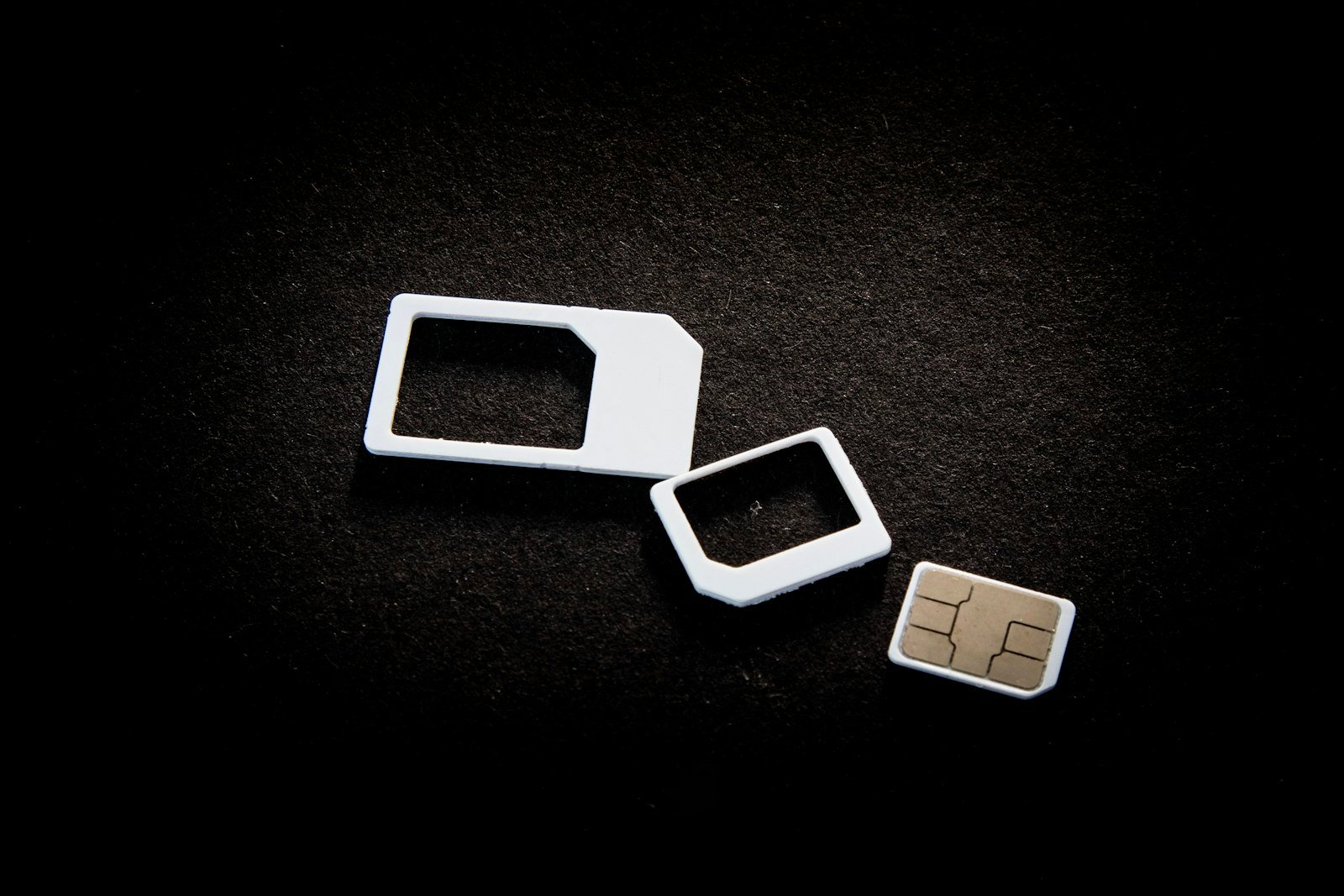
An eSIM is a SIM that lives inside your phone as software. Apple describes it as a digital SIM that lets you use a cellular plan from your carrier without a physical nano-SIM. Instead of sliding a plastic card into a tray, you download a small profile that tells the network who you are.
The chip that stores the profile is built into the phone, so there is nothing to lose, bend, or swap by hand. Your carrier delivers the profile through a QR code or an app, and your phone finishes the job in a couple of minutes.
Think of the difference between a paper boarding pass and one stored in your wallet app. Same permission to travel, different container.
eSIM vs Physical SIM: Side-by-Side
Before you decide, look at how the two options behave in daily life.
Setup and Activation
A physical SIM needs a trip to a store or a wait for the mail, plus a tiny pin to open the tray. An eSIM activates from your couch. You scan a code, confirm a few prompts, and the line goes live. If your carrier supports it, you can often move your number without talking to anyone.
Switching Carriers and Plans
With a physical card, changing plans means swapping hardware. With an eSIM vs. a physical SIM, you can store several profiles and switch between them in settings. That is handy for comparing deals, testing a cheaper plan, or keeping a backup line for emergencies.
Using Two Lines at Once
Many recent phones hold more than one eSIM profile. Apple says iPhone 13 models and later support two eSIMs at the same time. That gives you a work line and a personal line without carrying a second device in your pocket.
Durability and Phone Design
No tray means one less opening for dust and water, and manufacturers gain space inside the phone for a bigger battery or other parts. It is a quiet benefit, but it explains why brands keep pushing the change.
What You Give Up
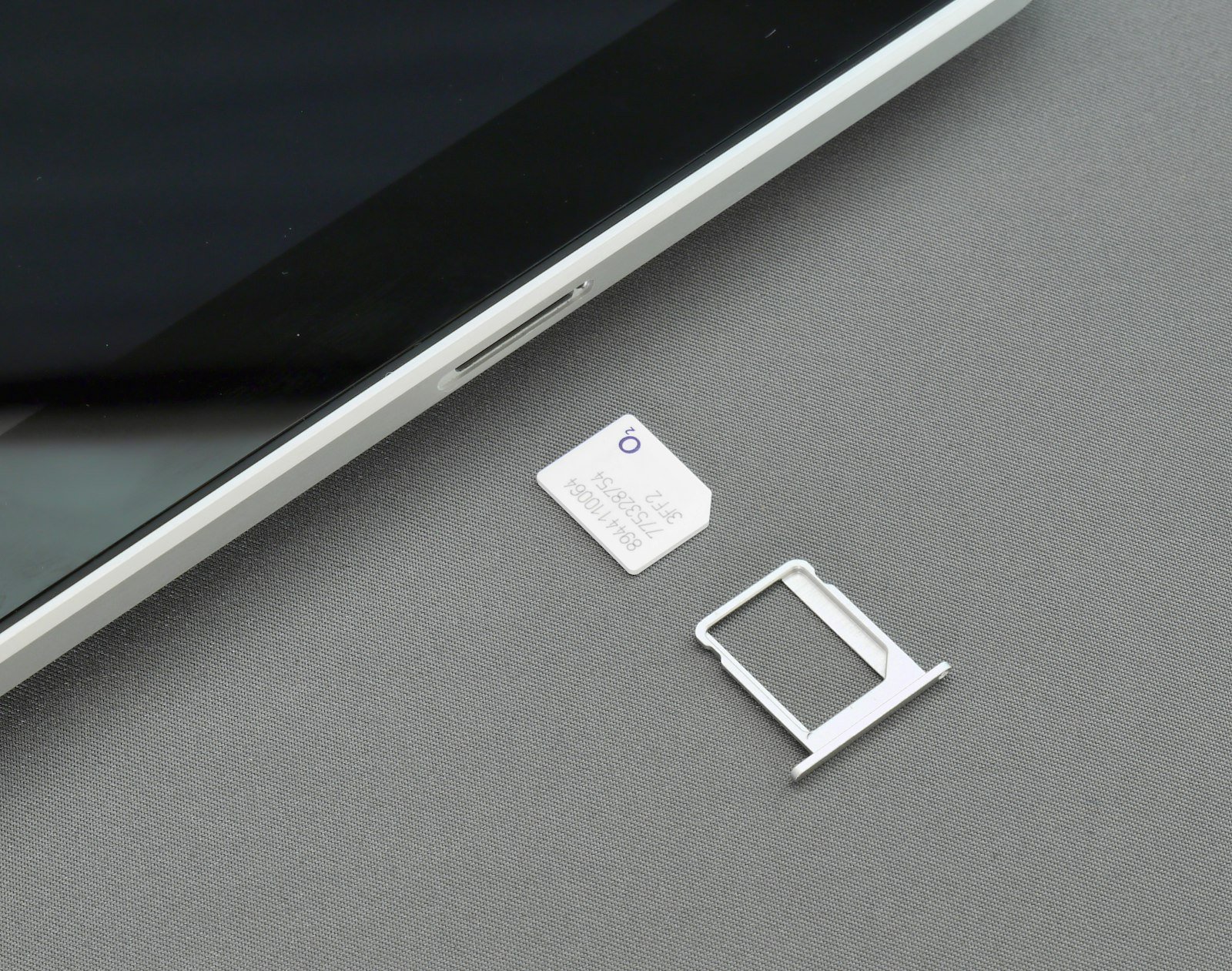
A physical SIM still wins in a few situations. You can pull it out and drop it into any other phone in seconds, even a cheap backup handset when your main screen has died. An eSIM needs a working phone, a transfer step, and sometimes a call to your carrier.
The Numbers: How Fast Is the Switch Happening?
This is no longer a niche trick. The GSMA, the trade body for mobile operators, reports that eSIM vs physical SIM penetration among smartphones reached about 5 percent at the end of 2025 and is expected to hit about 10 percent by the end of 2026, then roughly double again in 2027. By 2030, it expects eSIM smartphone connections to outnumber removable-SIM ones.
The same report says 73 percent of mobile operators have already launched commercial eSIM for smartphones, and consumer awareness climbed from 25 percent to 60 percent. Apple extending its eSIM-only model worldwide, and Chinese operators launching eSIM for phones, helped push those numbers. You can read the details in the GSMA eSIM report.
Translation for you: even if your next phone still has a tray, the one after it may not.
Four eSIM Myths You Can Drop
- It is less reliable. Your phone uses the same radio and the same network. Only the way your identity is stored changes.
- You need a new number. You keep your number when you move it to an eSIM.
- It is only for travelers. Dual lines, cheaper plan hopping, and tray-free phone designs matter at home too.
- It cannot be stolen. The card cannot be pulled out, but the account behind it can still be attacked. More on that below.
How to Switch to eSIM Step by Step
Before You Start
Run through this short checklist first:
- Confirm your phone supports eSIM and is carrier-unlocked if you plan to change carriers
- Check that your carrier offers eSIM on your current plan
- Back up your phone, and keep your current SIM somewhere safe until the switch works
- Connect to Wi-Fi, because the profile downloads online
The Switch Itself
- Open Settings and look for Cellular, Mobile Data, or SIM Manager.
- Choose Add eSIM or Add Cellular Plan.
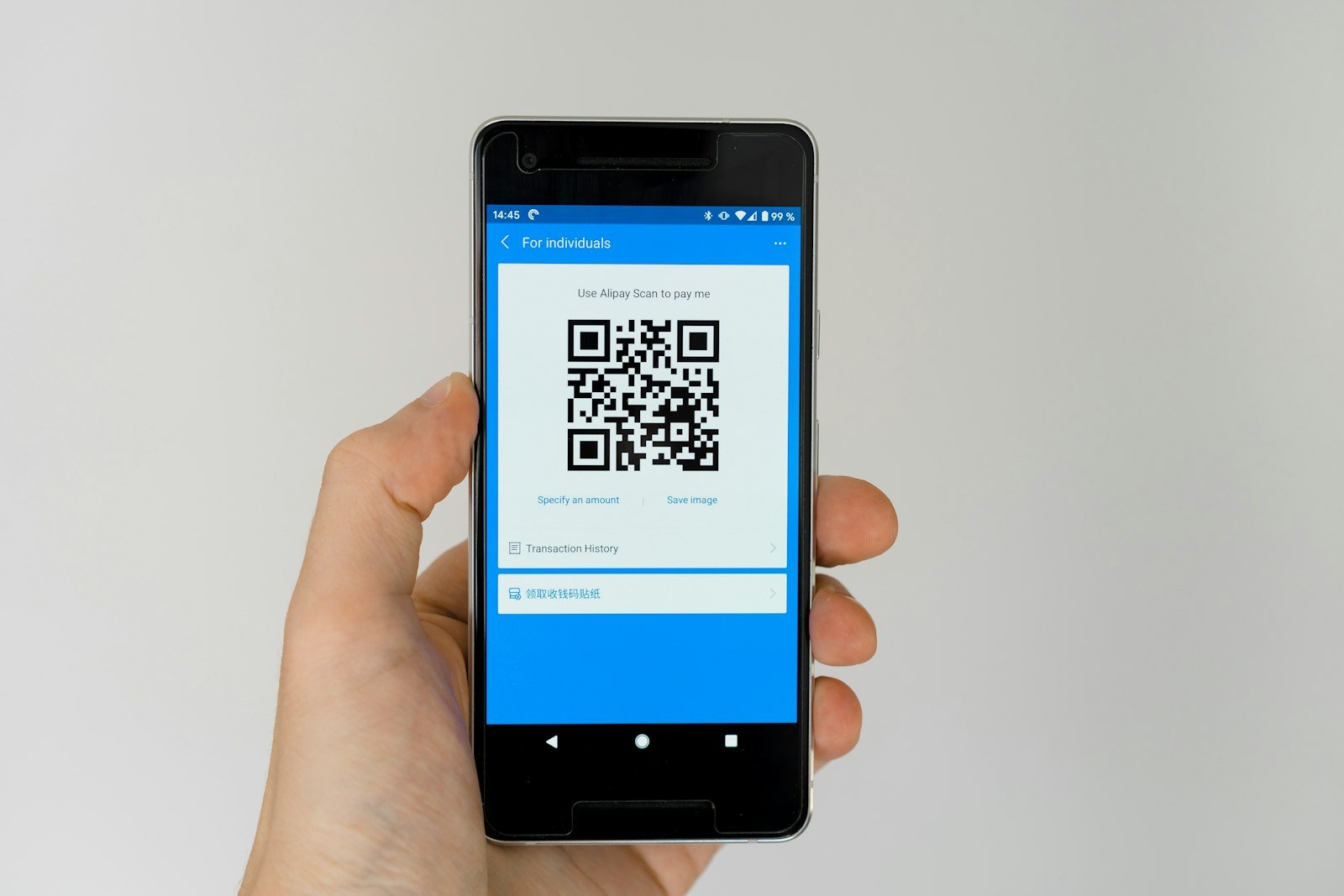
- Scan the QR code from your carrier, or use the carrier app to transfer the plan.
- Name the line, such as Personal or Travel, so you can tell the lines apart later.
- Restart the phone, then place a test call and send a test text.
- Only then retire the physical SIM.
Apple publishes its own walkthrough on its eSIM support page, and Android makers offer similar guides inside their settings help.
If Something Goes Wrong
A QR code usually works once. If the scan fails or you close the screen too early, you will probably need a fresh code from your carrier. Call them before you delete the profile and start over.

Travel eSIM: Where You Save the Most Money
Travel is where most people first try an eSIM. Instead of paying roaming fees or hunting for a kiosk, you buy a data plan for your destination before you leave and activate it after landing.
Your Three Options Abroad
- Carrier roaming: easiest, but often the most expensive
- Local SIM card: usually cheap, yet it costs you time and sometimes requires ID
- Travel eSIM: flexible and quick, with data-only plans in most cases
Data-only plans often come without a local phone number. That works for messaging apps, maps, and calls over the internet, but not for banks that text codes to your normal number. Keep your home line active next to the travel profile, and those texts will still arrive.
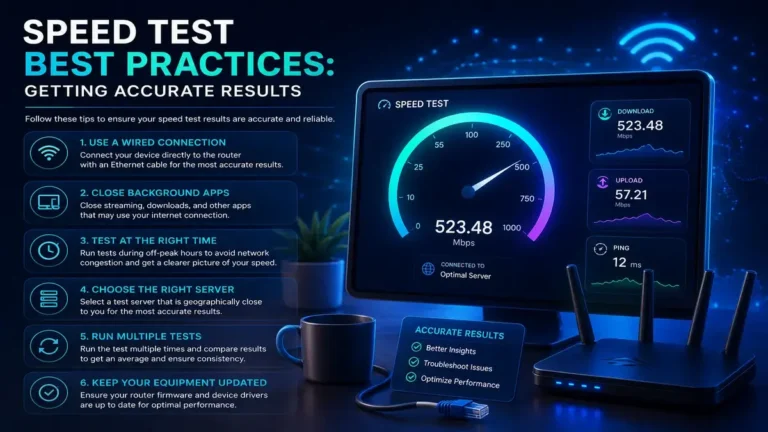
Once you land, run a quick test. A free speed check at SpeedAndTest.com shows whether your new plan delivers what the seller promised, and our guide to internet speed testing explains how to read the results.
Risks and Limits You Should Know About
SIM Swap Scams Still Exist
Some people assume an eSIM makes number theft impossible. It does not. SIM swapping works by tricking your carrier into moving your number to a device the scammer controls, and that can happen with whichever kind of SIM you use. The FTC explains that attackers then receive your calls, texts, and security codes. Its advice is to set a PIN or password on your cellular account and to prefer an authentication app over text-message codes. Read the full guidance on the FTC consumer site.
For more habits that protect your accounts, our guides on internet safety and home network security are worth a few minutes.
A Dead or Lost Phone Takes the Plan With It
A physical SIM can be moved to a spare phone. A lost or broken phone with an eSIM means contacting your carrier for a new code. Keep your account details and your carrier support contact somewhere you can reach without that phone.
Not Every Phone or Carrier Is Ready
Older phones, some budget models, and certain regions still lack support. Even when your phone is ready, your carrier might limit eSIM to specific plans. Check before you cancel anything.
Does Your Phone Bill Change With an eSIM?
Here is a question that rarely gets a clear answer: does the eSIM vs. physical SIM choice change what you pay? In most cases, no. Your plan price depends on your carrier and your contract, not on the type of SIM. A few carriers have charged small activation fees for physical cards, and some now waive them for digital activation, so it never hurts to ask.
Where an eSIM can lower your costs is indirectly. Because you can hold several profiles, you can add a cheap data plan for a trip, a second line for work, or a short-term deal without buying anything in a shop. Over a year of travel, those small savings add up faster than any activation fee.
What To Do With Your Old SIM Card
Do not toss the old card the moment your eSIM works. Keep it for a week or two. If the transfer hits a snag, or your carrier needs to fix a setting on their side, the physical card gives you a safe way back. After the transition feels stable, ask your carrier whether the old card should be deactivated, then dispose of it properly.
A Quick Rule for Choosing
If you rarely leave your home country and never change phones, the eSIM vs physical SIM decision is mostly about taste. If you travel, work across two numbers, or upgrade your phone every couple of years, the eSIM vs physical SIM math tilts toward digital fast. Ask yourself how often you have wished you could change a plan without waiting for a card in the mail. Your answer points you in the right direction.
Who Should Switch, and Who Should Wait
In the eSIM security vs. physical SIM contest, you are a strong candidate for the switch if you travel often, juggle two numbers, or like changing plans to chase better prices. Your phone already supports eSIM, and you use an authenticator app for your important accounts.
You might wait if you keep a spare phone for emergencies, live where your carrier offers weak eSIM security support, or regularly swap handsets with family. A physical SIM is still perfectly fine, and nothing forces your hand yet.
Test Your Connection After the Change
Switching the SIM should not change your speed, but new profiles, new networks, and new settings sometimes do. After the move, run the same speed test you ran before, at the same time of day. If the numbers drop, our guide on 5G technology explains why signal type matters, and a call to your carrier can confirm the plan is set up correctly.
Your Next Step
Don’t wait for your next trip to sort this out. Check whether your phone supports eSIM today, write down your carrier support steps, and run a free speed test at SpeedAndTest.com to record your current numbers. Then decide whether the eSIM vs physical SIM trade-off fits you. And if a friend still carries a drawer full of old SIM cards, send them this guide.
Frequently Asked Questions About eSIM vs Physical SIM.
Is eSIM better than a physical SIM?
It depends on how you use your phone. An eSIM is more convenient for setup, travel, and dual lines, while a physical SIM is easier to move to another phone in an emergency. For most people with a compatible phone, the eSIM vs. physical SIM choice comes down to convenience versus portability.
Can I use both an eSIM and a physical SIM?
On many phones, yes. A common setup is a physical SIM for your main line and an eSIM for travel or work. Check your phone specifications for how many lines it supports at once.
Is an eSIM safer than a physical SIM?
It removes one risk, since nobody can pull the card out of a stolen phone. It does not stop SIM swap scams, which target your carrier account. Set a PIN on your account and use an authenticator app.
Will switching to an eSIM change my phone number?
No. You keep your number when you move it to an eSIM, though your carrier may need to verify your identity first.
Does an eSIM work abroad?
Yes. You can add a travel eSIM profile for your destination or use your carrier’s roaming. Compare prices before you leave, and keep your home line active so verification texts still arrive.
What happens to my eSIM when I buy a new phone?
You normally need to transfer it. Some phones offer a guided transfer, while others need a new QR code from your carrier. Do this before you wipe or trade in the old device.


One Comment