Internet Safety: Powerful Ways to Stay Secure
Table of Contents
Internet safety has become deeply woven into daily life, from banking and shopping to healthcare and communication, which means the stakes of internet safety have never been higher for ordinary individuals, not just large organizations. Cybersecurity and internet safety are sometimes treated as topics only relevant to IT professionals, but the truth is that basic safety habits protect everyone who uses connected devices, regardless of technical background. This guide covers the practical fundamentals of staying safe online, from recognizing common threats to building habits that meaningfully reduce your personal risk.
Understanding Your Personal Threat Landscape
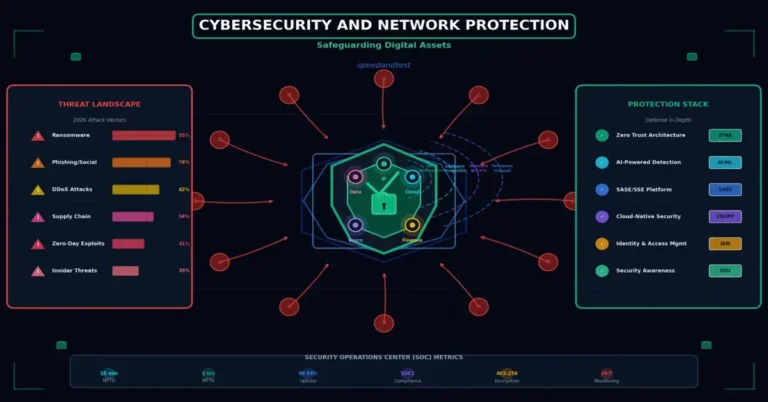
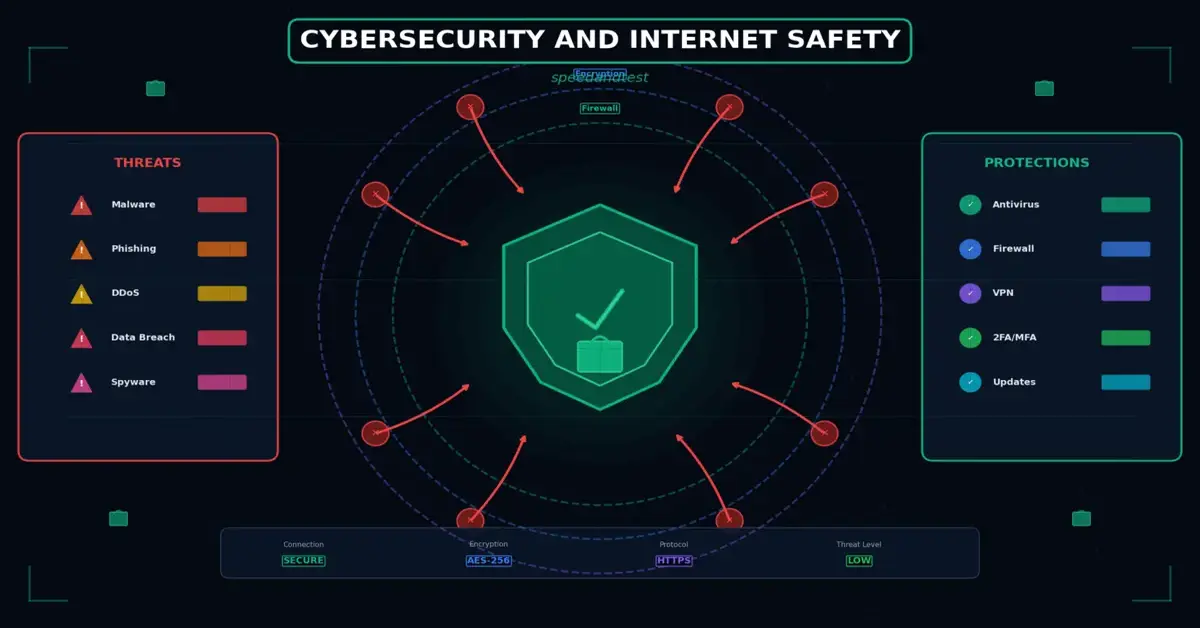
Individuals face a different set of risks than large organizations, though the underlying attack techniques often overlap. Common threats to individuals include phishing attempts designed to steal login credentials or financial information, malware that can compromise a device through a malicious download or link, identity theft resulting from data breaches at companies holding your personal information, and social engineering scams that manipulate trust rather than exploiting technical vulnerabilities.
Understanding that you are a realistic target, not just large corporations, is an important mental shift. Automated attacks and mass phishing campaigns target enormous numbers of people simultaneously, meaning individual internet safety users face genuine, ongoing risk regardless of how interesting or valuable their specific data might seem to them personally.
Why Personal Information Has Value to Attackers
Personal information, even seemingly mundane details, has real value on illicit markets. Login credentials can be reused to access other accounts, personal details can facilitate identity theft or targeted scams, and compromised accounts can be used to spread further attacks to your own contacts, who may trust a message appearing to come from you more than one from a stranger.
Password Security and Account Protection
Strong, unique passwords remain a foundational defense against unauthorized account access. Reusing the same password across multiple accounts means a single breach at one service can expose all of your other accounts using that same password, a technique attackers actively exploit through automated credential-stuffing attacks. A password manager makes maintaining strong, unique passwords across dozens of accounts genuinely practical rather than an overwhelming burden.
- Use a unique password for every important account, especially email, banking, and social media
- Enable multi-factor authentication wherever it is offered, adding a critical second layer of protection
- Avoid using easily guessable personal information, like birthdays or names, in passwords
- Change passwords immediately if a service you use reports a data breach
Recognizing Phishing and Social Engineering
Phishing remains one of the most common and effective attack techniques precisely because it targets human trust and urgency rather than technical vulnerabilities. Common warning signs include unexpected urgency, requests for sensitive information via email or text, slightly altered sender addresses that mimic legitimate organizations, and links that, upon closer inspection, lead to unfamiliar domains rather than the organization’s actual website. When in doubt, navigating directly to a company’s website rather than clicking a link in an email or message is a simple, effective precaution.
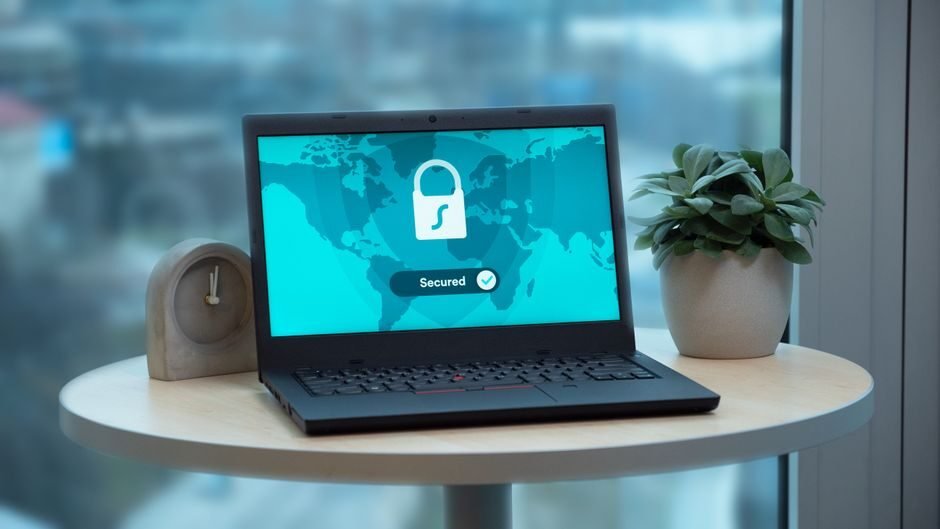
Internet safety: Safe Browsing Habits
Beyond specific threats like phishing, general safe browsing habits meaningfully reduce your overall risk exposure. Look for the padlock icon and “https” in your browser’s address bar before entering sensitive information on a website, indicating an encrypted connection. Be cautious about downloading files or software from unfamiliar or unofficial sources, since malware is frequently distributed disguised as legitimate software, browser extensions, or media files.
Internet safety: Protecting Your Privacy
Internet safety extends beyond preventing direct attacks to protecting your broader privacy. Reviewing privacy settings on social media platforms, being thoughtful about what personal information you share publicly, and understanding how apps and websites use your data all contribute to a more comprehensive approach to online safety. Regularly reviewing which third-party apps have access to your accounts, and revoking access for ones you no longer use, further limits your exposure to potential future breaches involving those services.
Internet safety: Keeping Children Safe
For parents and caregivers, internet safety extends to protecting children who may not yet have the judgment to recognize scams, inappropriate content, or online predators. Age-appropriate parental controls, open conversations about safe online behavior, and staying involved in a child’s digital life, rather than relying solely on technical restrictions, together form a more effective approach than any single tool or setting alone.
What to Do If You Suspect a Compromise
If you suspect an account or device has been compromised, act quickly. Change passwords immediately from a separate, trusted device, enable multi-factor authentication if not already active, review recent account activity for unauthorized actions, and notify your bank or relevant institutions if financial information may have been exposed. Acting promptly significantly limits the potential damage compared to delaying while uncertain about whether a real compromise occurred.
Financial Account Monitoring and Fraud Alerts
Beyond general password and device security, actively monitoring your financial accounts provides an important additional safety net. Many banks and credit card issuers offer free transaction alerts that notify you immediately of purchases above a certain threshold or from unfamiliar locations, allowing you to catch fraudulent activity within minutes rather than discovering it weeks later during a routine statement review. Similarly, placing a credit freeze with major credit bureaus, which can typically be lifted temporarily when you need to apply for credit, prevents new accounts from being opened in your name without your explicit action to unlock your credit file first.
Building Sustainable Internet Safety Habits
Internet safety is not a one-time setup but an ongoing practice. Small, consistent habits, like pausing before clicking unfamiliar links, keeping software updated, and periodically reviewing account security settings, compound over time into meaningfully reduced risk. Treating internet safety as a normal part of digital life, rather than an occasional afterthought, is what ultimately separates consistently safe users from those who remain vulnerable to increasingly sophisticated threats.
How This Connects to Broader Network Security
Personal internet safety habits work best alongside properly secured home network infrastructure. For a deeper look at securing the network itself, see our guide on cybersecurity and network protection, and for a broader view of where digital security is headed, see our article on the future of internet safety technology.
Internet safety: Recognizing Increasingly Sophisticated Scams
Online scams have grown considerably more sophisticated over the years, moving well beyond the obviously suspicious messages of the past. Modern scams often involve convincing impersonation of real companies, complete with accurate logos and professional-looking design, as well as increasingly realistic fake customer service interactions and, more recently, AI-generated voice or video content used to impersonate trusted individuals in targeted scams. Internet safety: Staying informed about these evolving techniques, rather than relying on outdated assumptions about what a scam looks like, is an important part of maintaining effective personal defenses.
Romance scams, tech support scams, and investment fraud schemes conducted through social media and messaging platforms have also grown significantly, often specifically targeting individuals through carefully built trust over an extended period before the actual request for money or information occurs. Recognizing that a scam does not have to be crude or obviously fake to be dangerous helps maintain appropriate skepticism even toward interactions that feel genuinely personal and trustworthy.
Securing Your Mobile Devices
Smartphones and tablets increasingly hold as much sensitive personal information as computers, yet many people apply less rigorous security practices to mobile devices. Enabling device passcodes or biometric locks, keeping mobile operating systems and apps updated, downloading apps only from official app stores, and reviewing app permissions periodically all contribute meaningfully to mobile security. Given how much of daily digital life now happens on mobile devices, treating their security with the same seriousness as a computer’s security is increasingly essential rather than optional.
Understanding Data Breaches and Their Aftermath
Data breaches at companies you do business with are largely outside your direct control, but how you respond to them is not. When a company you use notifies you of a breach, treat it as an immediate call to action: change your password for that service, and for any other service where you may have reused the same password, and monitor the affected accounts closely for unusual activity in the weeks following the notification. Signing up for breach notification services that alert you when your information appears in a known breach adds a useful early-warning layer to your overall security practice.
Frequently Asked Questions
How can I tell if a website is safe to enter my payment information?
Look for “https” and a padlock icon in the address bar, indicating an encrypted connection, and verify you are on the correct official domain rather than a similar-looking imitation site.
Should I set up transaction alerts on my bank accounts?
Yes, this is one of the simplest and most effective ways to catch fraudulent activity quickly, since most banks offer free real-time alerts for purchases that can be customized to your preferred threshold.
Is public Wi-Fi safe to use?
Public Wi-Fi carries more risk than trusted private networks. Avoid accessing sensitive accounts on public Wi-Fi when possible, or use a reputable VPN to encrypt your traffic for added protection.
Do I need a VPN for everyday internet safety?
While not strictly necessary for all users, a VPN adds a useful layer of protection, particularly on public Wi-Fi, and can be a worthwhile addition to your overall internet safety toolkit.
What should I do if I clicked a suspicious link?
Disconnect from the internet safety, run a security scan on your device, change passwords for important accounts from a different device, and monitor your accounts closely for any unusual activity in the following days.
What are the most important accounts to secure first?
Prioritize your primary email account, since it is often used to reset passwords for other services, followed by banking, and any accounts tied to your identity or significant financial exposure.
How often should I update my passwords?
Rather than changing passwords on an arbitrary schedule, focus on using strong, unique passwords for every account and changing them immediately if a service reports a breach affecting your account.
Is a credit freeze a good idea for everyone?
A credit freeze is a strong, free protective measure that prevents new accounts from being opened in your name without your action, making it a reasonable precaution for most people, particularly after a known data exposure.
Are antivirus programs still necessary?
Yes, antivirus software remains a valuable layer of defense against malware, though it should be combined with safe browsing habits and updated software rather than relied upon as a sole protection measure.
How do I know if my personal information has been part of a data breach?
Several reputable, free services allow you to check whether your email address has appeared in known data breaches, helping you know when to prioritize changing passwords for potentially affected accounts.
Are AI-generated scams becoming a real concern?
Yes. AI-generated voice and video content has made impersonation scams more convincing, making it wise to verify unusual or urgent requests, even from seemingly familiar voices or faces, through a separate trusted communication channel.
Should I use the same security practices on my phone as my computer?
Yes. Mobile devices hold significant sensitive information and deserve the same level of care, including passcodes, updated software, and caution around app permissions and downloads.
What should I do immediately after receiving a data breach notification?
Change your password for the affected service and any other account using the same password, and monitor the account closely for unusual activity in the following weeks.
How can I recognize a romance or investment scam on social media?
Be cautious of relationships that escalate quickly toward requests for money or investment opportunities, especially with someone you have never met in person, regardless of how genuine the relationship feels.
Should I trust security warnings from unfamiliar pop-ups?
Be skeptical of unexpected pop-ups claiming your device is infected, especially those urging an immediate call or download. Verify through your device’s actual built-in security software instead of clicking directly.
Internet safety is a shared responsibility between the platforms and services we use and the habits we build as individual users. According to the Cybersecurity and Infrastructure Security Agency’s best practices guide, consistent application of fundamental security habits remains one of the most effective defenses available to everyday internet safety users against an evolving threat landscape.