Mesh Wi-Fi System: The Simple Way to Kill Zones
Table of Contents
Mesh Wi-Fi System: The Painless Fix for Every Dead Zone in Your Home
Have you ever walked from your living room to your bedroom mid-video call, only to watch your signal bars vanish and your call freeze at the worst possible moment? If that sounds familiar, you don’t have a broken internet connection — you have a coverage problem, and a mesh Wi-Fi system is very likely the fix you’ve been searching for without knowing its name.
You’ve probably tried the usual tricks already: moving your router to a more “central” spot, restarting it more often than you’d like to admit, or picking up a cheap signal booster that promised the world and delivered a flaky, half-working connection instead. A mesh Wi-Fi system takes a fundamentally different approach, and once you understand how it works, you’ll wonder why you put up with dead zones for so long.
This guide walks you through exactly what a mesh Wi-Fi system is, how it’s different from what you’re using now, what to look for before you buy one, and how to set it up so you actually get the coverage you’re paying for.
What Is a Mesh Wi-Fi System?
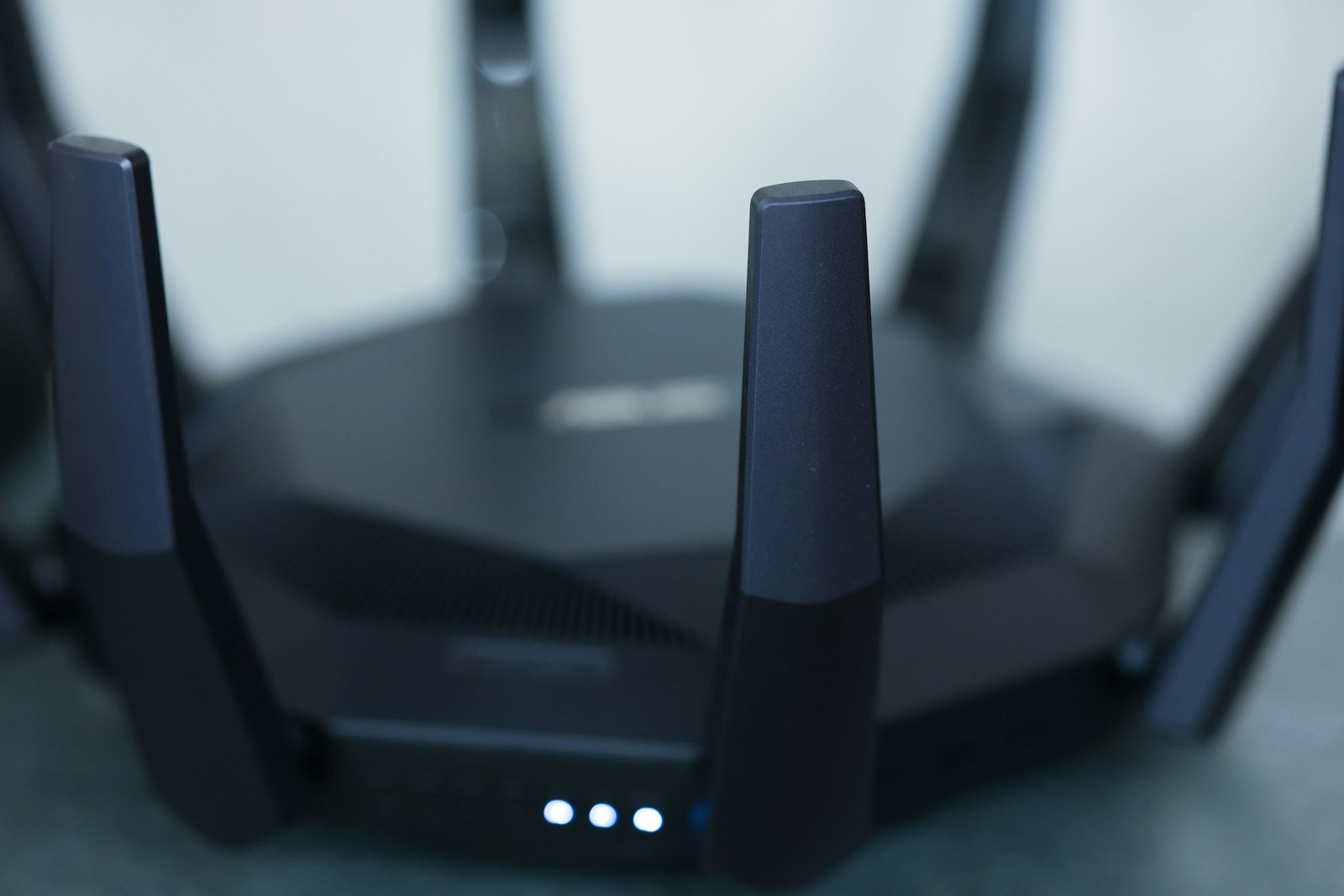
A mesh Wi-Fi system is a network made up of two or more devices, usually called nodes or satellites, that work together to blanket your home in a single, unified wireless signal. Instead of relying on one router straining to reach every corner of your house, you place additional nodes throughout your home, and each one relays the signal to the next, extending coverage far beyond what a single device could manage alone.
The key word here is “system.” Unlike a standalone router or a basic signal extender bolted onto your existing setup, every piece of a mesh setup is designed from the ground up to talk to the others, share one network name, and hand your devices off between nodes without you ever noticing the switch.
How Does a Mesh Wi-Fi System Actually Work?
Nodes and Seamless Handoffs
Picture your phone as you walk from your kitchen toward your garage. In a traditional single-router setup, you’d watch your signal strength drop steadily until it disappears. With a mesh Wi-Fi system, your phone instead quietly reconnects to whichever node is currently closest and strongest, all while keeping the same network name and password, and usually without dropping your call or your stream even for a second.
This constant, automatic handoff is the single biggest difference between a mesh Wi-Fi system and an old-school extender, and it’s the reason mesh technology has become the default recommendation for anyone with a home larger than a small apartment.
Backhaul: Wired vs Wireless
Behind the scenes, your nodes need a way to talk to each other, and that connection is called the “backhaul.” Some mesh network setups use a dedicated wireless band exclusively for node-to-node communication, keeping it separate from the band your devices use, which noticeably reduces congestion. Premium systems sometimes support wired backhaul over Ethernet, which is worth exploring further in our comparison of Ethernet vs Wi-Fi, since a wired connection between nodes can dramatically boost the performance of the whole mesh.
Mesh Wi-Fi System vs Traditional Router vs Wi-Fi Extender
Traditional Router Limitations
A single router, no matter how expensive, is still just one antenna array in one physical location. Concrete walls, floors, metal appliances, and simple distance all degrade a radio signal, and no firmware update can change the laws of physics. If you’ve already tried repositioning your router and running a network speed checker in different rooms only to see wildly inconsistent results, you’ve already diagnosed the core problem a mesh network is built to solve.
Wi-Fi Extenders: The Old Fix
Before mesh systems became affordable, the standard advice was to buy a Wi-Fi extender. The trouble is that most extenders create a second network name (something like “HomeWiFi_EXT”), forcing your devices to manually switch networks as you move through your house, and often cutting your usable speed roughly in half in the process. It’s a patch, not a real solution.
Why a Mesh Wi-Fi System Wins
A properly configured mesh Wi-Fi system eliminates both problems at once: it covers the physical distance a single router can’t reach, and it does so under one seamless network without the speed penalty and manual switching that made extenders so frustrating. That combination is exactly why mesh systems have become the standard recommendation for homes over roughly 1,500 to 2,000 square feet, multi-story layouts, or homes with unusually thick walls.
Signs You Need a Mesh Wi-Fi System
You don’t need to guess whether this upgrade is worth it. A few clear signs point directly to a mesh Wi-Fi system being the right call for your household:
- Your home is larger than about 1,500 square feet, or spans more than one floor.
- Certain rooms consistently show weak or unusable signal no matter where you place your router.
- You’ve already bought a Wi-Fi extender and found it unreliable or frustratingly slow.
- Multiple people in your household stream, game, or take video calls simultaneously and everything slows down.
- Your walls are brick, concrete, or plaster over metal lath, all of which are notoriously difficult for radio signals to penetrate.
If two or more of those describe your home, a mesh network will very likely solve your problem outright, rather than just easing it slightly the way a single new router might.

What to Look for When Choosing a Mesh Wi-Fi System in 2026
Wi-Fi Standard and Speed
The newest mesh Wi-Fi system options on the market now widely support Wi-Fi 7, the latest wireless standard offering higher throughput and reduced congestion compared to older generations. If you want a deeper breakdown of what that standard actually delivers, our guide to Wi-Fi 7’s benefits covers it in detail. Independent lab testing from outlets like Tom’s Guide has clocked top mesh setups delivering close to 1.7 to 1.9+ Gbps at short range, tapering to roughly 150 to 994 Mbps at around 50 feet, depending on the specific hardware and environment.
Coverage per Node
Manufacturers typically advertise 100 to 115 feet of usable coverage per node, though real-world results always depend on your home’s construction. When comparing options, think in terms of “how many nodes do I need,” not just “how fast is the fastest number on the box.”
Number of Nodes Needed
Most mesh Wi-Fi system kits ship in two- or three-packs, and that’s usually a sensible starting point for an average home. Larger or oddly shaped homes may need an additional node or two, which is one reason it’s worth choosing a system that lets you buy extra nodes individually rather than being locked into a fixed bundle.
Special Features Worth Considering
Depending on your priorities, look for low-latency modes if gaming matters to you, built-in security suites for automatic threat scanning, parental control dashboards if you’re managing a household of kids and devices, and, if you have a fiber connection, a system with a dedicated fiber or multi-gigabit port so your mesh hardware doesn’t become the bottleneck ahead of your actual internet plan.
Notable Mesh Wi-Fi System Options in 2026
Independent reviewers have highlighted several standout systems this year, each suited to slightly different needs. The MSI Roamii BE Pro has drawn attention as a strong overall pick, combining Wi-Fi 7 support with comparatively approachable pricing. Budget-conscious shoppers have gravitated toward the TP-Link Deco BE23 for its price-to-performance balance, while the Netgear Orbi 870 has stood out specifically for long-range performance in larger or oddly shaped homes. Gamers researching a mesh network built around low latency have pointed to the Acer Predator Connect T; simplicity-focused buyers often prefer the Eero Pro 7 for its famously straightforward setup process; and households with a fiber connection have looked at the TP-Link Deco BE85 for its built-in SFP+ fiber port.
How to Set Up and Optimize Your Mesh Wi-Fi System
Getting a mesh Wi-Fi system out of the box is the easy part; getting it configured well is what actually determines your day-to-day experience. Start by connecting your primary node directly to your modem, ideally with a wired Ethernet connection rather than relying on a wireless uplink from the start. From there, most modern systems walk you through setup entirely from a smartphone app, which will also help you decide where to physically place your additional nodes.
Placement matters more than almost anything else. Each node should sit roughly halfway between your primary router and the edge of the area where you’re currently losing signal, not crammed into a closet or hidden behind a television stand. Line of sight and open space dramatically improve real-world throughput compared to a node buried inside a cabinet.
Once everything is connected, don’t skip the follow-up step: walk through your home with your phone and run a speed test in every room, checking results against a reliable network speed checker so you know exactly where, if anywhere, your coverage still needs adjustment.
Common Mistakes in Mesh Wi-Fi System Setup
A few avoidable mistakes account for most of the disappointing mesh network experiences you’ll read about online. People frequently place nodes too close together, wasting coverage potential, or too far apart, creating new dead zones between them. Others skip firmware updates entirely, missing performance and security improvements that ship regularly. And many households never revisit their node placement after moving furniture or renovating a room, even though a change in your home’s layout can meaningfully shift where your weak spots actually are.
Mesh Wi-Fi and Smart Home Devices
If your home has grown to include a dozen or more smart bulbs, plugs, cameras, and speakers, you’ve probably already noticed how quickly a single router’s device limit gets tested. Many mesh systems handle this far more gracefully than a standalone router, distributing the load of dozens of low-bandwidth smart-home devices across multiple nodes instead of forcing every single one to fight for airtime with a single antenna. If your smart home keeps expanding, that alone can be worth the upgrade, well before you even factor in the coverage benefits everywhere else in your house.
It’s also worth thinking about guest networks and IoT isolation. Many modern kits let you create a separate guest network or a dedicated IoT band directly from the companion app, keeping smart plugs and cameras away from the same network segment as your laptop or phone. That’s a small setup step that pays off considerably the next time a smart device turns out to have a security flaw you’d rather not have touching your main devices.
Bringing It All Together
A mesh Wi-Fi system isn’t a luxury reserved for smart-home enthusiasts anymore; it’s become the practical, sensible answer for any household tired of walking into a dead zone. Whether you’re dealing with a sprawling floor plan, thick old walls, or simply too many devices competing for one router’s attention, the seamless coverage a mesh network provides tends to solve the problem completely rather than just easing it around the edges.

Your Next Step
Before you spend a dollar on new hardware, find out exactly where your current setup is falling short. Run a free speed test at SpeedAndTest.com in every room of your home, compare the numbers, and you’ll know precisely how many nodes you need and exactly where to put them — turning your next mesh Wi-Fi system purchase from a guess into a plan.
Frequently Asked Questions About Mesh Wi-Fi Systems
How many nodes does a mesh Wi-Fi system need for an average home?
Most homes between 1,500 and 3,000 square feet do well with two to three nodes. Larger or multi-story homes, or those with thick concrete or brick walls, may need an additional node to eliminate every dead zone.
Is a mesh Wi-Fi system faster than a single router?
Not necessarily faster at the source, but far more consistent throughout your home. Its real advantage is maintaining strong, usable speeds in rooms a single router simply can’t reach effectively.
Does a mesh Wi-Fi system replace my existing router?
Typically yes. Most mesh Wi-Fi system kits are designed to connect directly to your modem and fully replace your existing router, rather than working alongside it.
Can I add more nodes to a mesh Wi-Fi system later?
In most cases, yes. Many manufacturers sell individual add-on nodes that are fully compatible with their existing mesh kits, letting you expand coverage gradually as needed.
Is a wired backhaul necessary for a mesh Wi-Fi system?
It’s not strictly necessary, but it does noticeably improve performance. If you already have Ethernet wiring between rooms, connecting your mesh network’s nodes with a wired backhaul will typically deliver faster and more stable speeds than a fully wireless setup.