Improve Your Internet Speed: The Fast, Proven Fixes
Table of Contents
Before you call your ISP to upgrade your plan — and pay more every month — it’s worth knowing that most slow connections aren’t actually a speed problem at all. They’re a setup problem. This guide walks through exactly how to improve your internet speed using free, practical fixes first, and reserves a plan upgrade as the last resort rather than the first instinct.
Start Here: Diagnose Before You Fix
Run a Baseline Speed Test
Before changing anything, test your current speed on a wired connection close to your router. This baseline tells you what your ISP is actually delivering, separate from any local network issues.
Compare Against Your Plan
If your wired test result is close to your plan’s advertised speed, your local network — not your ISP — is likely the bottleneck, and the fixes below will make the biggest difference.
Quick Fixes to Improve Your Internet Speed Immediately
Restart Your Router and Modem
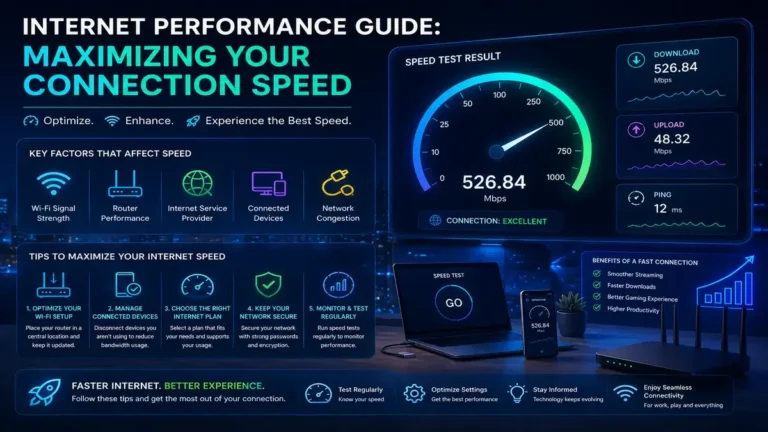
It sounds almost too simple, but a full power cycle — unplugged for 30 seconds, then restarted — clears temporary memory buildup and resolves a surprising percentage of slowdowns. Do this monthly as routine maintenance, not just when problems arise.
Reposition Your Router
Router placement dramatically affects WiFi performance. Central, elevated locations away from thick walls, metal objects, and other electronics deliver a noticeably stronger signal throughout your home than a router tucked in a closet or corner.
Reduce the Number of Connected Devices
Every device sharing your network competes for available bandwidth. Disconnecting idle devices, especially ones running background downloads or updates, frees up capacity immediately.
Switch to the Right WiFi Band
Most routers broadcast both 2.4GHz and 5GHz bands. The 5GHz band delivers significantly faster speeds at shorter range, while 2.4GHz reaches farther but is slower. Manually connecting speed-sensitive devices to 5GHz can meaningfully improve your internet speed for those devices.
Deeper Fixes for a Faster Internet Connection
Update Your Router’s Firmware
Manufacturers regularly release firmware updates that improve performance and stability, not just security. An outdated router is often quietly underperforming its own specifications.
Switch to a Wired Ethernet Connection
For stationary devices — desktops, gaming consoles, smart TVs — a wired connection eliminates WiFi-related speed loss entirely, often the single biggest improvement available for those specific devices.
Change Your DNS Server
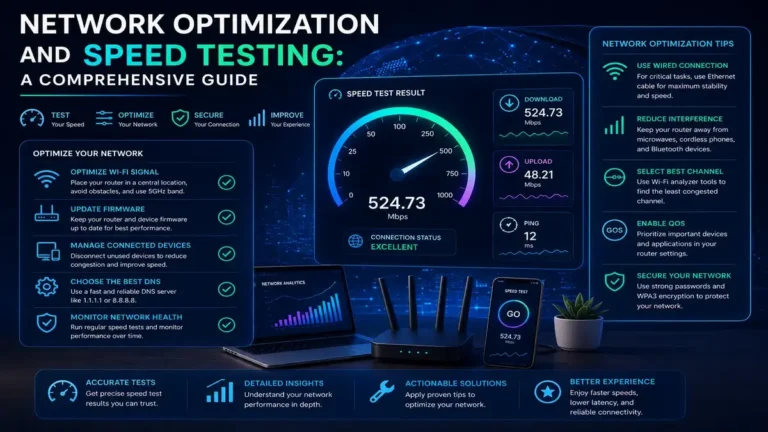
Your default ISP-provided DNS server isn’t always the fastest option available. Switching to a public DNS provider can reduce the time it takes for your device to resolve website addresses, improving perceived browsing speed.
Limit Background Bandwidth Usage
Cloud backup services, automatic software updates, and streaming devices left running in the background quietly consume bandwidth around the clock. Scheduling these for off-peak hours frees up capacity when you need it most.
Set Up Quality of Service (QoS)
QoS settings let your router prioritize specific types of traffic — video calls or gaming, for example — over less time-sensitive activity, ensuring your most important tasks stay fast even when the network is busy.
Upgrading Your Hardware to Improve Your Internet Speed
When It’s Time for a New Router
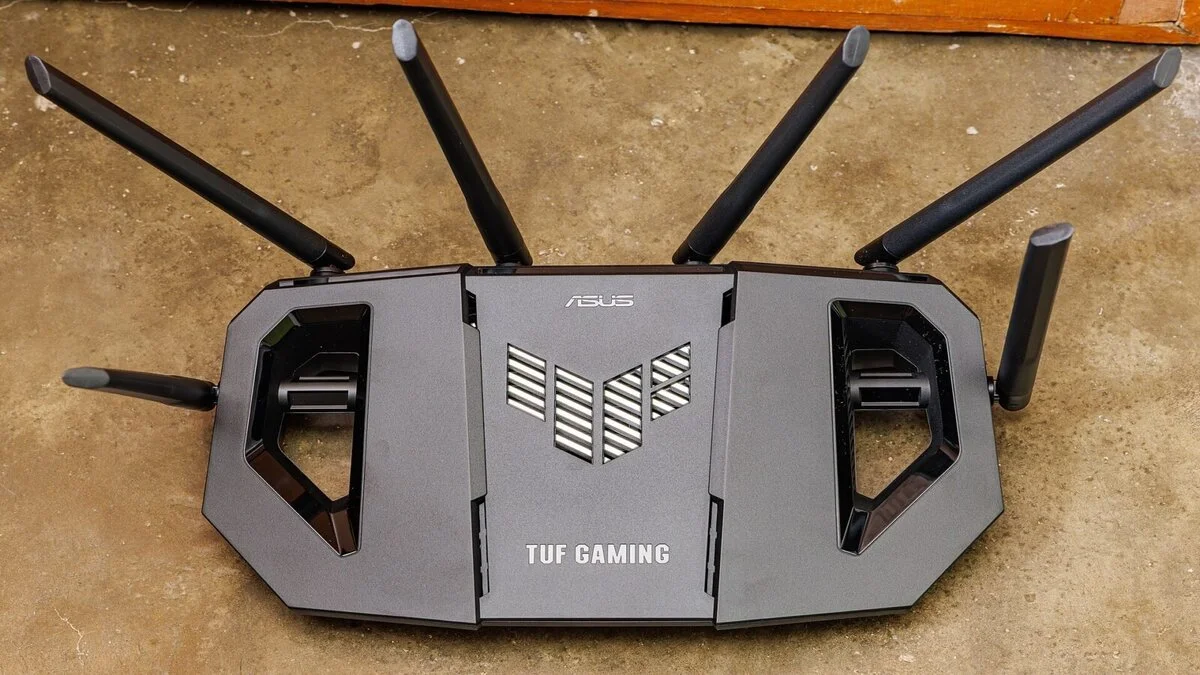
If your router is more than 4–5 years old, it may not support current WiFi standards (WiFi 6 or WiFi 6E), which offer meaningfully better speed, capacity, and interference handling than older generations.
Consider a Mesh WiFi System
Larger homes or homes with unusual layouts often suffer from dead zones that a single router simply can’t reach. A mesh system spreads coverage across multiple access points, delivering consistent speed throughout the house rather than just near the router.
Upgrade Your Ethernet Cabling
If you’re using older Cat5 cabling, upgrading to Cat6 ensures your wired connections can actually support gigabit speeds without becoming an unexpected bottleneck.
Software-Level Ways to Improve Your Internet Speed
Clear Browser Cache and Extensions
A bloated browser with too many extensions can slow down perceived to Improve Your Internet Speed, even when your actual connection is fine. Regularly clearing cache and disabling unused extensions helps.
Check for Malware
Malware running in the background can silently consume bandwidth and processing power. A quick security scan is worth ruling out if slowdowns appeared suddenly without an obvious cause.
Update to Improve Your Internet Speed: Network Drivers
Outdated network adapter drivers on your computer can cap your actual achievable speed regardless of what your router and ISP support. Keeping them current avoids this hidden bottleneck.
When to Consider Upgrading Your Internet Plan
If you’ve worked through the fixes above, your wired speed test still closely matches your current plan, and it’s still not enough for your household’s needs — multiple simultaneous 4K streams, frequent large uploads, several people working from home — that’s the point where upgrading your plan or switching providers makes sense, rather than as a first response.

How to Improve Internet Speed for Gaming Specifically
Gamers benefit most from prioritizing latency alongside speed: a wired connection, QoS settings that prioritize gaming traffic, and choosing servers geographically close to you will often improve the actual gaming experience more than a faster plan alone.
How to Improve Internet Speed for Remote Work
For video calls and cloud-based work tools, prioritize a stable wired connection during work hours, close bandwidth-heavy background applications, and use QoS settings to keep video conferencing traffic smooth even if other household members are streaming simultaneously.
Common Mistakes That Undermine Your Efforts
Placing your router inside a cabinet, never restarting it, ignoring firmware updates, and assuming a faster plan will automatically fix a WiFi placement problem are among the most common reasons people fail to meaningfully improve your internet speed despite genuine effort.
Related Reading
- WiFi vs Ethernet: The Shocking Truth About Speed and Reliability
- How to Choose an ISP: Avoid These Costly Mistakes
- Internet Speed Test: The Surprising Truth Revealed
Frequently Asked Questions
What is the fastest way to improve your internet speed for free?
Restarting your router, repositioning it centrally, and switching speed-sensitive devices to the 5GHz band typically deliver the biggest free improvements with the least effort.
Does upgrading my internet plan always improve your internet speed?
Only if your current plan is genuinely the bottleneck. If a wired speed test already matches your plan’s advertised speed, a local network fix — not a plan upgrade — is what will actually help.
How much does router placement really improve internet speed?
Significantly. Moving a router from an enclosed cabinet to a central, elevated, open location can improve WiFi speed by 30% or more in some homes.
Can old Ethernet cables limit my internet speed?
Yes. Older Cat5 cabling caps out around 100 Mbps, which will bottleneck any plan faster than that regardless of your router or ISP capability.
Is WiFi 6 worth it to improve internet speed at home?
For households with many connected devices or larger spaces, yes — WiFi 6 handles congestion and multiple simultaneous connections noticeably better than older standards.
Test Your Speed Before and After
The only way to know which fix actually worked is to measure it. Run a free speed test with SpeedAndTest before making changes, then test again after each fix to see exactly how much you’ve improved your internet speed.