
Ping and Jitter: Powerful Ways to Reduce Lag
Table of Contents
You’ve got a fast internet plan. Your speed test shows solid download numbers. And yet your competitive matches still feel unresponsive, your voice calls still cut in and out unpredictably. If speed isn’t the problem, ping and jitter almost certainly are — two of the most misunderstood but consequential numbers on any speed test.
This guide breaks down exactly what each one means, why they matter more than raw speed for real-time activities, and the specific steps that reliably bring them down.
What Is Ping?
Ping measures the time it takes for a small packet of data to travel from your device to a server and back, expressed in milliseconds (ms). It’s essentially a measurement of responsiveness — how quickly your connection reacts, independent of how much data it can move.
Why Ping Matters More Than People Realize
Two connections can have identical download speeds but wildly different ping. One might respond in 15ms, the other in 90ms. For browsing or downloading a file, that gap barely registers. For gaming, video calls, or anything requiring real-time interaction, it’s the difference between a smooth experience and a frustrating one.
What Is Jitter?
Jitter measures the *variation in ping over time*, not the average ping itself. A connection with 30ms ping that stays consistently around 30ms feels smoother than one that bounces between 15ms and 80ms, even if the average is technically similar.
Why Jitter Is Often the Bigger Problem
High Jitter and Ping together create a particularly disruptive combination: not just slow responsiveness, but *unpredictable* responsiveness. This inconsistency is often what causes the sudden stutters, voice dropouts, and rubber-banding movement in games that feel worse than a simply “slow” connection would.

How Jitter and Ping Are Measured
A speed test measures ping by sending a series of small packets to a server and timing the round trip for each. Jitter is then calculated from the variation between those individual measurements — a tight, consistent set of times means low jitter, while a wide spread means high jitter, even with the same average ping.
What Causes High Ping and Jitter?
Network Congestion
Shared network infrastructure, particularly during peak evening hours, increases both ping and jitter as more data competes for the same pathways.
WiFi Interference
Wireless connections are inherently more prone to jitter than wired ones because radio interference, distance, and competing devices create inconsistent conditions moment to moment.
Outdated Router Hardware
Older routers process data less efficiently, which can introduce both higher baseline ping and more variability under load.
Background Bandwidth Usage
Large downloads, cloud backups, or other devices streaming heavily on the same network can spike both Jitter and ping for time-sensitive applications running simultaneously.
Distance to the Server
Physical distance increases baseline ping, and while it doesn’t directly cause jitter, longer routes often pass through more network hops, each adding potential variability.
What Counts as Good Jitter and Ping?
Ping Benchmarks
Under 20ms is considered excellent, ideal for competitive gaming. 20–50ms is good for most gaming and real-time applications. Above 100ms starts to introduce noticeable delay, and above 150ms becomes disruptive for fast-paced games and calls.
Jitter Benchmarks
Under 5ms is excellent and essentially imperceptible. 5–20ms is generally acceptable for most activities. Above 30ms often causes noticeable stuttering in voice calls, video, and gaming, even when average ping looks fine.
How Ping and Jitter Affect Different Activities
Competitive Gaming
Fast-paced, competitive games are the most sensitive to both metrics. High ping delays your actions reaching the game server; high jitter makes that delay unpredictable, which is often worse than a consistently higher but stable ping.
Video Calls
Jitter is frequently the reason video calls feel choppy or audio cuts in and out unpredictably, even when the call doesn’t fully drop — the inconsistency disrupts natural conversational flow more than a steady, if slightly higher, delay would.
Voice Chat and VoIP
Similar to video calls, VoIP quality depends heavily on consistent timing. High jitter causes the garbled, overlapping audio that’s often misattributed to “bad internet” when it’s specifically a ping and jitter issue.
Livestreaming
While streaming platforms buffer content to smooth out minor fluctuations, severe jitter can still cause visible stutters or momentary freezes, particularly during two-way interactive streams.
How to Reduce Ping and Jitter
Use a Wired Ethernet Connection
This is consistently the single most effective fix. Removing WiFi from the equation eliminates a major source of both inconsistent ping and jitter, often improving both simultaneously with no other changes.
Choose the Closest Available Server
For games and services that let you select a server region, picking the one physically closest to you reduces baseline ping and often results in more stable jitter as well, since the route involves fewer network hops.
Reduce Background Network Activity
Pausing downloads, updates, and other bandwidth-heavy activity on your network while gaming or on important calls prevents the congestion that spikes both ping and jitter.
Enable Quality of Service (QoS) on Your Router
QoS settings let you prioritize gaming or video call traffic over other activity on your network, helping maintain low, stable ping and jitter for the applications that need it most, even when the network is otherwise busy.
Upgrade to Fiber Internet, If Available
Fiber connections generally offer both lower baseline ping and more consistent jitter than cable or DSL, thanks to more reliable, less congested infrastructure.
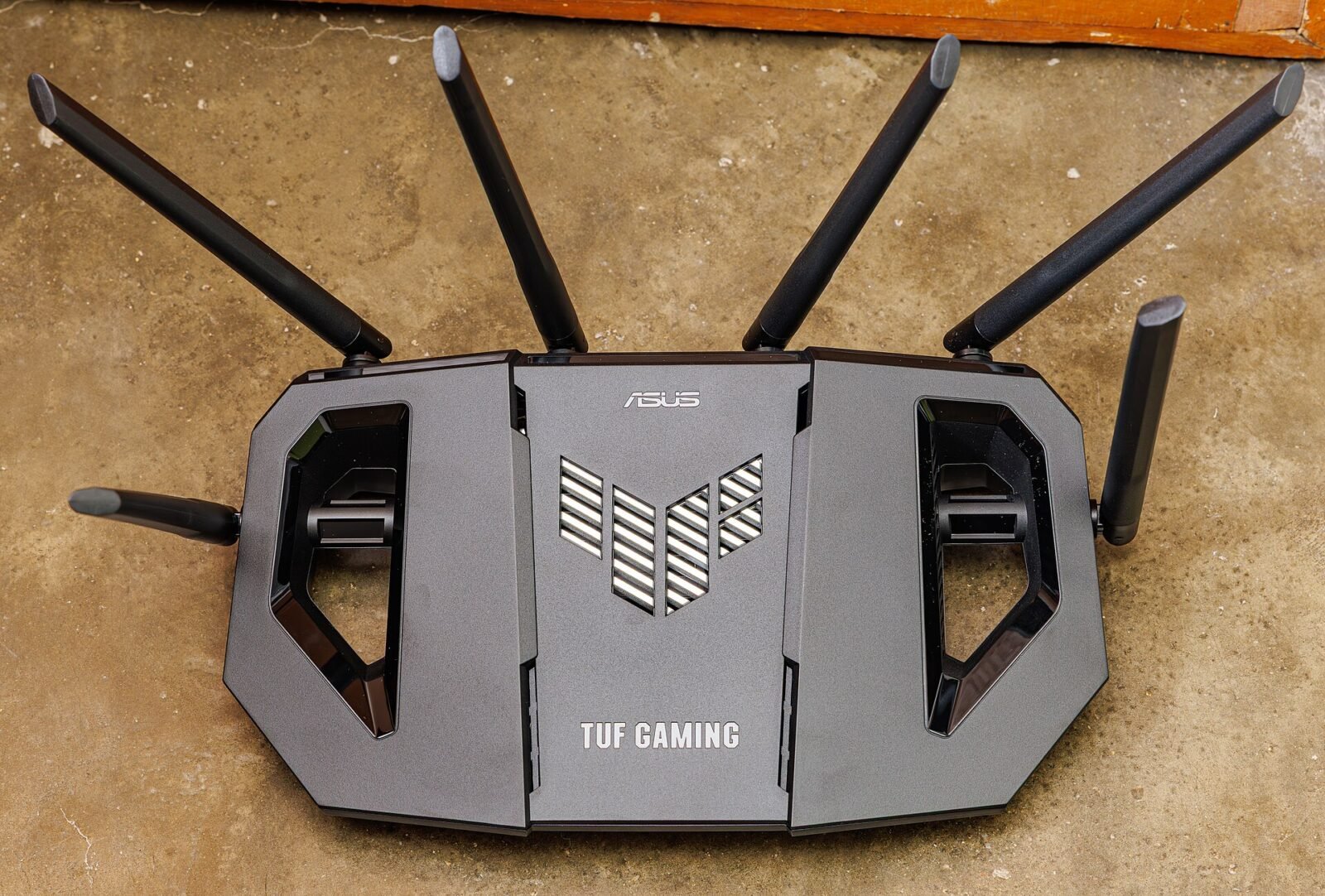
Update Your Router
An outdated router can introduce processing delays that worsen both ping and jitter. If yours is several years old, an upgrade often delivers a meaningful, immediate improvement.
How to Test Your Ping and Jitter
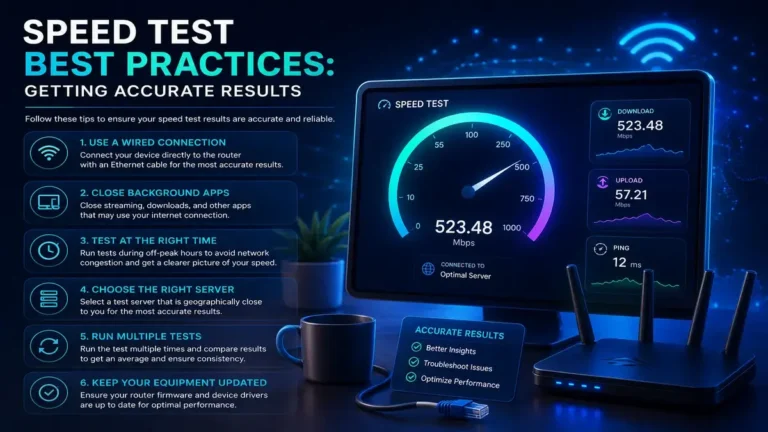
Most speed tests report both numbers alongside download and upload speed. Testing at different times of day — especially during typical peak usage hours — gives a more complete picture than a single test, since congestion-driven ping and jitter issues often only appear under real-world network load.
When High Ping and Jitter Point to an ISP Issue
If wired testing during off-peak hours still shows consistently high ping and jitter, especially compared to published averages for your connection type, that pattern suggests the issue lies upstream with your ISP’s network rather than your home setup — worth raising directly with their support team, ideally with specific test data in hand.
Related Reading
- Network Latency: The Hidden Cause of Frustrating Lag
- WiFi vs Ethernet: The Shocking Truth About Speed and Reliability
- Streaming Quality: The Real Bandwidth You Actually Need
Frequently Asked Questions
What’s the difference between ping and jitter?
Ping measures the average round-trip delay of your connection, while jitter measures how much that delay varies over time. You can have low ping but still experience disruptive high jitter, and vice versa.
What is a good ping and jitter for online gaming?
Ping under 30ms and jitter under 10ms is considered excellent for most competitive games, though requirements vary somewhat by game genre and specific title.
Can I have fast internet speed but still have bad ping and jitter?
Yes, absolutely. Speed measures how much data moves; ping and jitter measure timing and consistency. They’re independent metrics, and a fast connection can still suffer from poor ping and jitter due to distance, congestion, or WiFi interference.
Does switching to Ethernet really improve ping and jitter that much?
Yes, often substantially. Removing WiFi’s variability from the equation is one of the most reliable, immediate improvements available for reducing both ping and jitter.
Why does my ping and jitter get worse in the evening?
Peak-hour network congestion, when the most people in your area are online simultaneously, commonly increases both ping and jitter, even without any change to your own setup.
Check Your Ping and Jitter Right Now
Speed is only part of the story. See your actual ping and jitter numbers alongside your download and upload speed with a free test from SpeedAndTest, and find out exactly what’s really behind your lag.
3 Comments