AI Network Optimization: The Powerful Cure for Slow Wi-Fi
Table of Contents
AI Network Optimization: The Smart Fix for Slow Wi-Fi
Have you ever restarted your router out of pure habit, half expecting that alone to fix a connection that’s been crawling all evening? For years, that’s been the only troubleshooting trick most people had. AI network optimization is quietly replacing that guesswork with routers and networks that catch problems and fix them before you ever reach for the power cable.
You’ve probably already used a product built around this idea without realizing it. Mesh routers from major brands now ship with AI-driven features that reroute traffic, rebalance bands, and nudge devices toward a stronger signal automatically, all while you’re simply trying to finish a video call. Telecom companies are doing the same thing at a much larger scale, using AI network optimization to manage entire cellular and broadband networks before a single customer ever files a complaint.
In this guide, you’ll learn what AI network optimization actually means, how it works behind the scenes, what it looks like in the router sitting in your living room right now, and where its limits still are. Let’s get into it.
What Is AI Network Optimization?
At its core, AI network optimization means using machine learning models, rather than fixed rules a human engineer wrote years ago, to monitor a network in real time and adjust it automatically. Instead of a static configuration that treats every hour of the day the same way, the system learns your actual usage patterns and reacts to them.
You can think of it as the difference between a thermostat with one fixed setting and a smart thermostat that learns your schedule. A traditional router applies the same settings whether it’s 3 AM or peak streaming time at 8 PM. A network running AI network optimization constantly re-evaluates channel selection, bandwidth allocation, and device priority based on what’s actually happening on your connection right this second.
How AI Network Optimization Actually Works
Real-Time Radio Resource Management
One of the most immediate applications is radio resource management, or RRM. Instead of your router sticking to one Wi-Fi channel regardless of interference from a neighbor’s network or a nearby microwave, an AI-driven system continuously scans for congestion and quietly switches channels or adjusts transmit power to keep your connection clean, often without you noticing anything changed.
Predictive Maintenance Before You Notice a Problem
This is where the term “predictive” genuinely earns its place. Rather than waiting for a device to disconnect entirely, machine learning models trained on historical network data can recognize the early warning signs of a failing connection, a degrading cable, or an overloaded access point, and flag or fix the issue before it becomes something you’d actually notice.
What Telecom Operators Are Predicting
At the carrier level, this isn’t hypothetical. Industry research shows the self-organizing network AI market growing from roughly $5.19 billion in 2024 toward a projected $12.32 billion by 2029, and the top priorities operators report for their AI deployments are automated complaint resolution, autonomous fault detection, and predictive churn prevention- the kind of work that used to require a technician manually combing through logs.
Automated Troubleshooting and Self-Healing Networks
The most advanced systems go a step further and attempt to fix what they find without waiting for a human to approve each change. If a particular access point is overloaded, the network can automatically shift some devices to a neighboring node. If a connection quality metric drops below a healthy threshold, it can trigger a reboot or reroute traffic on its own.
AI Network Optimization at Home: What’s Already in Your Router
AI-Powered Mesh Routers
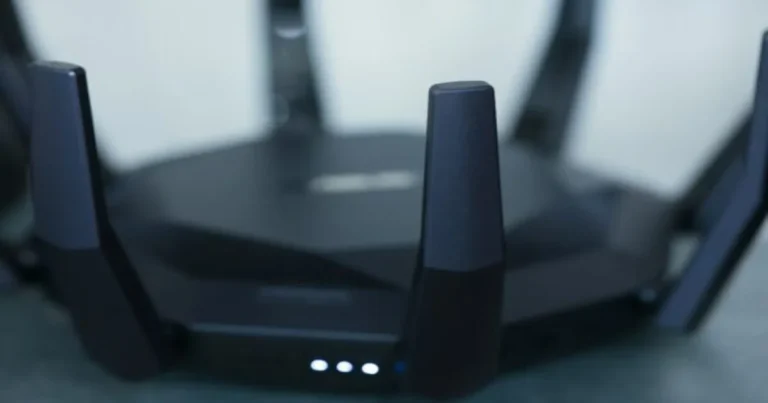
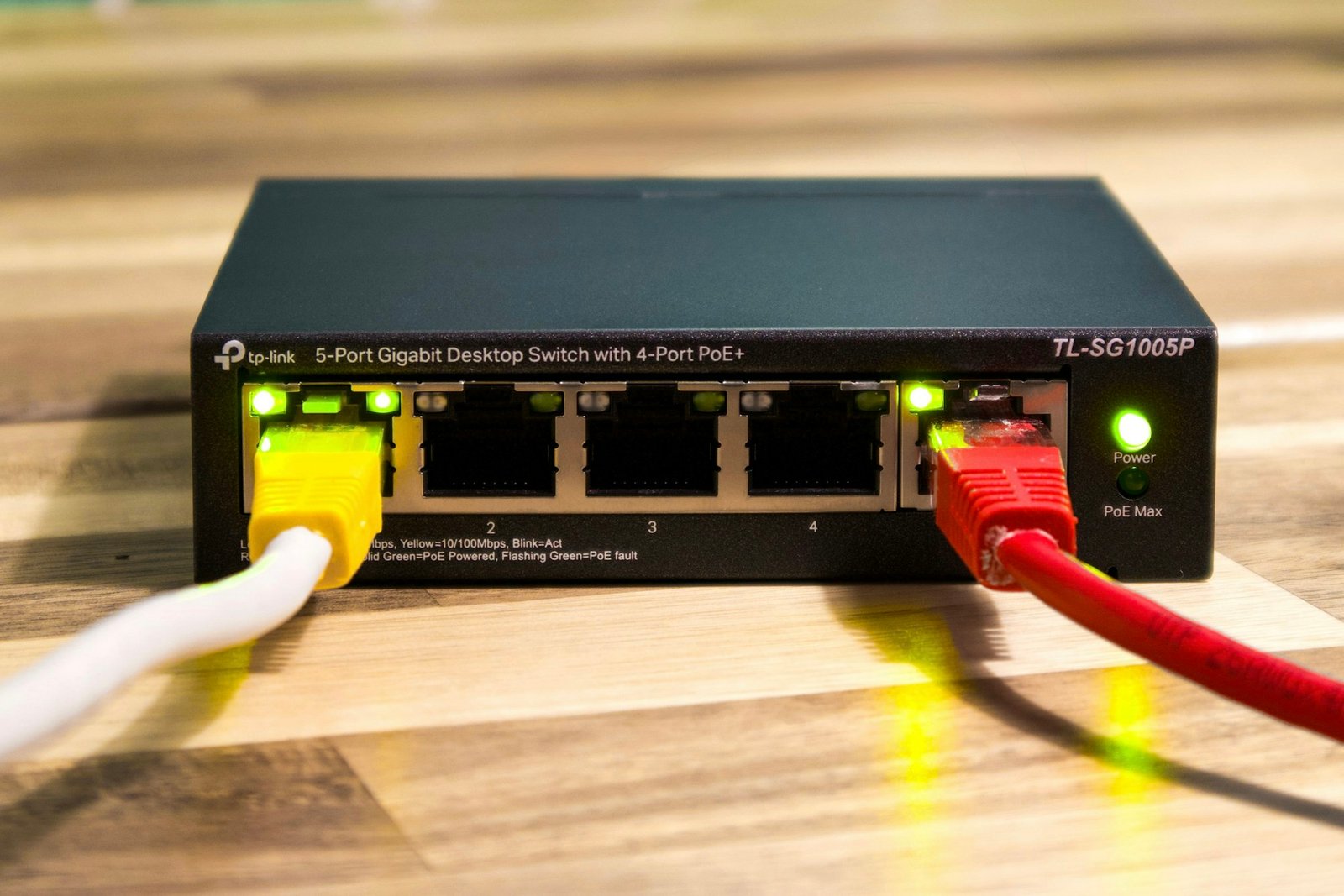
You don’t need an enterprise IT budget to benefit from this. Consumer brands have built AI network optimization directly into mesh systems you can buy off the shelf. D-Link EAGLE PRO AI series and TP-Link AI-enhanced mesh lineups both advertise automatic band steering, device prioritization, and self-optimizing coverage as headline features, not add-ons.
ISP-Side AI Network Management
Your internet provider is likely running its own version of this on the infrastructure side, even if your home router is nothing special. Fiber and cable operators increasingly use AI to monitor network health across entire neighborhoods, catching degrading equipment or congestion patterns long before enough customers complain for a technician to get dispatched.
The Numbers Behind the AI Networking Boom
It’s worth pausing on just how fast this shift is happening. A recent industry survey found that 71% of network operators plan to deploy agentic AI, systems that can take action on their own rather than just flagging issues for a human, during 2026, while 14% report they’ve already started. That’s not a slow, cautious rollout; it’s close to becoming the industry default within a couple of years.

Benefits You’ll Actually Notice
Fewer Dead Zones
Because an AI-managed mesh system constantly re-evaluates which node should serve each device, you’re less likely to get stuck on a weak connection to a distant router when a closer node could serve you better. The system reassigns you automatically instead of waiting for you to manually reconnect.
Smarter Bandwidth Allocation
AI network optimization can recognize that a video call needs consistent, low-latency bandwidth far more than a background software update does, and prioritize accordingly, something static Quality of Service rules have always struggled to do well in a typical household with a dozen competing devices.
Faster Fixes, Less Downtime
When something does go wrong, a system built around predictive maintenance can often resolve it, or at least narrow down the cause, before you’ve even picked up the phone to call support.
The Limits of AI Network Optimization (For Now)
None of this is magic, and it’s worth keeping your expectations realistic. AI network optimization can’t fix a genuinely insufficient internet plan, a damaged cable, or hardware that’s simply too old to keep up, no matter how smart the software managing it is.
It also depends heavily on the quality of the data it’s trained on and the specific implementation a manufacturer chose. A budget router marketed with an “AI” sticker on the box doesn’t automatically mean it’s running the same sophistication of machine learning model a carrier-grade system uses. It’s worth treating marketing claims with a healthy dose of skepticism until you’ve actually tested the results yourself.

How to Tell If Your Router Already Uses This
Check your router’s app or admin panel for terms like “AI-driven band steering,” “smart connect,” “self-optimizing Wi-Fi,” or “automatic channel selection.” Many routers released in the last few years include at least a basic version of this, even if it isn’t marketed front and center. If you’re not sure, running a network speed checker at different times of day and comparing results to how your connection feels can tell you a lot about whether anything is actively adjusting in the background.
Choosing a Router Built for AI Network Optimization
If you’re shopping for a new router specifically because of this feature, look past the marketing badge and check for specifics: automatic band steering across 2.4 GHz, 5 GHz, and 6 GHz; mesh support with dynamic node selection; and app-based reporting that shows you what the system actually changed and why. A router that can explain its own decisions in plain language is usually a better sign of real AI network optimization than one that just slaps the term on the box.
Privacy and Data: What AI Network Optimization Actually Collects
Here is a question worth asking before you let any system make decisions about your home network: what does it actually know about you? Smart routing does not work by magic. It works by constantly watching how your devices behave, then adjusting settings based on patterns it finds. That means data is being collected in your house, around the clock, even while you sleep.
What Gets Tracked, and Why It Matters
Most of what a smart router monitors is technical rather than personal, but it still paints a detailed picture of life inside your home. Typical data points include:
- Which devices connect, how often, and for how long
- Signal strength and location estimates for each connected gadget
- Bandwidth consumed by specific apps and services
- Time-of-day usage patterns across your household
- Error logs and connection drops tied to specific devices
None of this is inherently alarming, but added together, it can reveal when you are home, when you are away, and even what you are doing in a given room. That is worth knowing before you hand over the keys to full automation.
Who Can See This Data
Depending on your setup, this information might stay entirely on your router, get sent to cloud servers run by the manufacturer for processing, or pass through your internet provider’s own network-management systems. You usually will not be asked about this directly; it is buried in a privacy policy you probably never opened. If keeping this data local matters to you, look specifically for routers that advertise on-device processing rather than cloud-only analysis, since that single detail changes who else gets a copy of your household habits.
How to Keep More Control
You are not powerless here. A few habits go a long way: check the router app or admin panel for a privacy or data-sharing section and opt out of anything marked optional, keep firmware updated so you benefit from security patches rather than skip them, and avoid linking your router account to unrelated services just to unlock a feature you do not need. A little bit of housekeeping lets you enjoy smarter, more reliable Wi-Fi without giving away more than you intended.
The trade-off is real: the more a system learns about how you use your network, the better it tends to perform. Your job is simply to decide how much of that trade you are comfortable making, and to pick hardware that is upfront about the answer.
One more trend worth watching: more of this processing is moving onto the device itself rather than a distant data center. Edge-based chips inside newer routers can run lightweight models locally, which means faster reactions and less raw data leaving your home in the first place. It is a small shift in architecture, but it matters if you care about both speed and who gets to see your household patterns along the way.
Your Next Step
Wondering whether your current router is actually optimizing anything, or just sitting there? Run a free, no-signup speed test at SpeedAndTest.com at a few different times today and compare the results. If your numbers swing wildly with no clear pattern, that’s a strong hint your network could use some genuine AI network optimization, not just a reboot.
Frequently Asked Questions About AI Network Optimization
What is AI network optimization?
AI network optimization is the use of machine learning to monitor and automatically adjust a network’s performance in real time, including channel selection, bandwidth allocation, and device prioritization, instead of relying on fixed, manually configured settings.
Does my home router already use AI network optimization?
Many routers released in the past few years, especially mesh systems from major brands, include some form of it, often marketed as “AI-driven” band steering or self-optimizing Wi-Fi. Check your router’s app or specifications to confirm.
Can AI network optimization fix a slow internet plan?
No. It can make the most of the bandwidth you already have, but it can’t increase the speed your internet provider delivers to your home. If your plan itself is too slow, no amount of optimization will fix that.
Is AI network optimization only for businesses and ISPs?
No. While telecom operators use it at a much larger scale, consumer mesh routers now include home-sized versions of the same underlying technology, so individual households benefit from it too.
How do I know if AI network optimization is actually working?
Look for consistent performance across different times of day, fewer dropped connections, and app-based reporting that shows specific changes the system made. Comparing speed test results before and after enabling these features is also a reliable way to confirm it’s having an effect.