
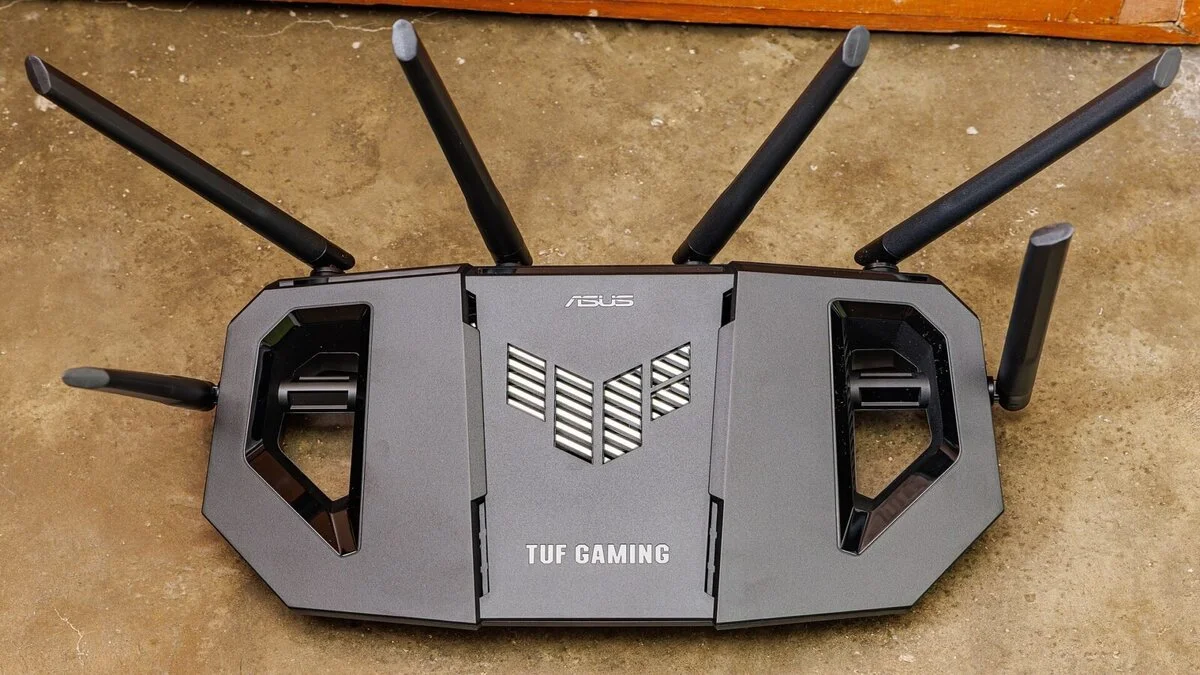
WiFi vs Ethernet: Discover the Better Choice
Table of Contents
You’ve probably asked yourself this at least once while your video call froze mid-sentence: is the problem your internet plan, or is it just WiFi being WiFi? The WiFi vs Ethernet question sounds like a minor technical detail, but it quietly shapes how fast your downloads finish, how smooth your video calls look, and whether your gaming session ends in victory or in “lag killed me” chat messages.
This guide breaks down what actually happens on a technical level when you choose a wireless connection over a wired connection, what the real-world speed test numbers show, and — most importantly — when each option genuinely makes sense for your setup. No fluff, no vague “it depends” shrugs. Just the data and the decision framework you need.
What Is the Real Difference Between WiFi and Ethernet?
At the most basic level, both technologies do the same job: they move data between your device and your router. The difference is *how* that data travels.
How WiFi Connections Work
A WiFi connection sends data through radio waves. Your router broadcasts a signal on either the 2.4GHz or 5GHz band (and increasingly 6GHz with WiFi 6E and WiFi 7), and your device picks it up wirelessly. That convenience — no cables, freedom to roam the house — comes with tradeoffs. Radio waves are affected by walls, distance, interference from other electronics, and even the number of devices competing for bandwidth at the same time.
How Ethernet Connections Work
An Ethernet connection uses a physical cable — typically Cat5e, Cat6, or Cat6a — to connect your device directly to your router or modem. There’s no signal to broadcast, no competing devices fighting for airtime, and no walls to punch through. The data travels down a dedicated copper (or fiber) line built for exactly one job: getting your bits from point A to point B as fast and cleanly as possible.
WiFi vs Ethernet: Speed Comparison
This is where most people expect a simple answer, but the honest one is: it depends on your hardware, not just the technology itself.
Real-World Speed Test Results
In controlled testing on a 500 Mbps fiber plan, a direct Ethernet cable connection consistently delivered 480–495 Mbps down and 470–490 Mbps up — essentially the full advertised speed. The same device switched to WiFi 6 at a distance of 20 feet with one wall in between dropped to 320–380 Mbps down, a 20–35% loss purely from the wireless hop.
Download Speed
WiFi vs Ethernet almost always wins on raw download throughput because there’s no signal degradation to account for. Even older Cat5e cabling can handle up to 1 Gbps, which covers the vast majority of home internet plans sold today.
Upload Speed
Upload speed differences are usually smaller in absolute terms but matter more for anyone who works from home. If you’re uploading large files, hosting a livestream, or on a video call where your outgoing feed needs to stay stable, a wired connection removes a major variable from the equation.

WiFi vs Ethernet: Latency and Ping
Speed isn’t the only metric that matters. Latency — how quickly data makes the round trip — is often the more noticeable difference in daily use.
Ethernet typically shaves 5–15 milliseconds off your ping compared to WiFi, and it does so consistently, test after test. WiFi’s latency, by contrast, fluctuates depending on interference, distance, and how many other devices are active. That inconsistency is called jitter, and it’s often more disruptive than the raw ping number itself — it’s why a video call over WiFi might randomly freeze for a second even when your average speed test looks fine.
WiFi vs Ethernet: Reliability and Interference
A wired connection simply doesn’t experience the problems that plague wireless signals: microwave interference, neighboring WiFi networks fighting for the same channel, Bluetooth devices, baby monitors, or even thick concrete walls. Once an Ethernet cable is plugged in, its performance stays remarkably stable whether it’s 2 a.m. or peak evening hours when every household on your street is streaming Netflix.
WiFi reliability has improved dramatically with WiFi 6 and WiFi 7, which introduce better channel management and reduced congestion. But even the best wireless setup can’t fully escape the physics of radio interference the way a physical cable does.
When Should You Choose Ethernet Over WiFi?
Gaming
Competitive online gaming is the single strongest case for Ethernet. Lower, more consistent ping directly translates to better reaction time in fast-paced games. Professional and serious competitive gamers almost universally play wired, not because WiFi is “bad,” but because even small latency spikes can mean the difference between landing a shot and missing it.
Video Calls and Remote Work
If your job depends on video calls, a dropped or frozen frame at the wrong moment can look unprofessional or cause you to miss something important. Plugging your laptop into Ethernet — even just during calls — removes an entire category of connection problems.
4K Streaming
Streaming 4K content requires a stable 25+ Mbps sustained connection. WiFi can usually handle this, but in households with multiple devices streaming simultaneously, Ethernet for at least the primary streaming device (like a smart TV or streaming box) prevents buffering caused by wireless congestion.
When WiFi Makes More Sense
Ethernet isn’t always practical, and that’s fine. WiFi is the better choice when:
- You need mobility — laptops, phones, and tablets that move around the house
- Running cables isn’t feasible (renters, multi-story homes without existing wiring)
- Your usage is casual browsing, email, or social media where a few milliseconds of latency doesn’t matter
- You’ve upgraded to WiFi 6 or WiFi 7 with a mesh system, which narrows the performance gap significantly

How to Test Your Connection: WiFi vs Ethernet
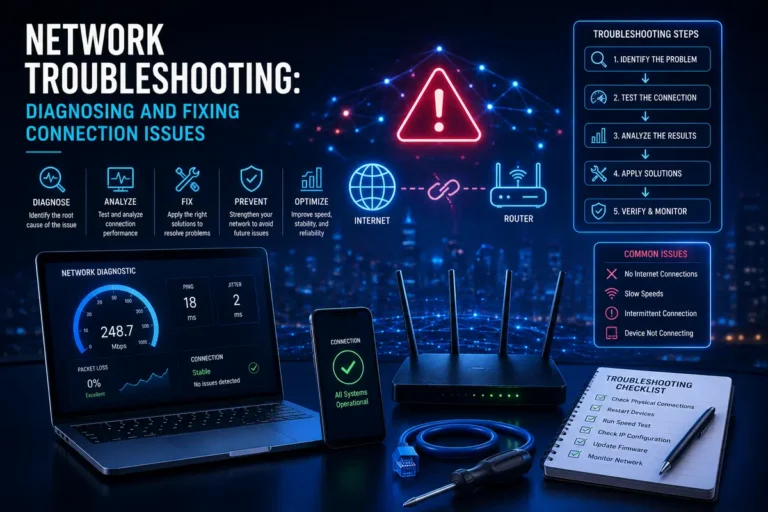
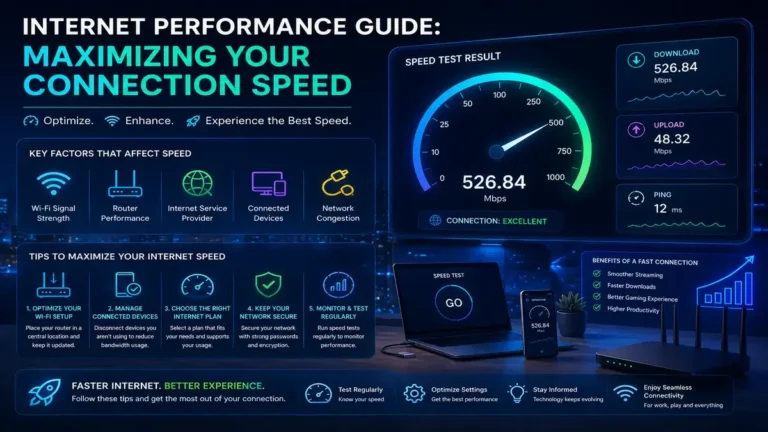
The only way to know how big the difference actually is on your specific setup is to test it yourself. Run a speed test while connected via WiFi, then plug in an Ethernet cable and run the same test again from the same device, at the same time of day. Compare download speed, upload speed, and — just as importantly — the ping and jitter numbers. A gap of more than 20% between the two usually points to a WiFi signal or interference issue worth investigating.
Tips to Improve Both WiFi and Ethernet Performance
Optimizing Your WiFi
Place your router in a central, elevated location away from thick walls and metal objects. Switch to the 5GHz or 6GHz band when possible for less interference and higher throughput. Update your router’s firmware regularly, and consider a mesh WiFi system if you have a larger home with dead zones.
Optimizing Your Ethernet Setup
Use Cat6 or Cat6a cabling for anything beyond basic browsing, especially if your plan exceeds 500 Mbps. Avoid running cables parallel to power lines, which can introduce electrical interference. Check that your router and network card both support the speeds you’re paying for — an older Ethernet port capped at 100 Mbps will bottleneck even a gigabit plan.
WiFi vs Ethernet: Which Should You Choose?
There’s no universal winner in the WiFi vs Ethernet debate — only the right choice for your specific situation. If your priority is speed, consistency, and low latency for gaming, work, or streaming, Ethernet is the objectively stronger technology. If mobility and convenience matter more than squeezing out the last few milliseconds of performance, a well-optimized WiFi setup will serve you well.
The smartest approach many households use is a hybrid one: Ethernet for stationary, performance-critical devices (gaming PCs, consoles, desktops, smart TVs) and WiFi for everything that needs to move around.
Related Reading
- Internet Speed Test: The Surprising Truth Revealed
- Network Latency: The Hidden Cause of Frustrating Lag
- Improve Your Internet Speed: The Fast, Proven Fixes
Frequently Asked Questions
Is Ethernet always faster than WiFi?
In most real-world conditions, yes — Ethernet delivers closer to your plan’s advertised speed with less variability. However, a poorly maintained or outdated Ethernet cable can underperform compared to a modern WiFi 6 setup, so hardware quality matters on both sides.
Does WiFi vs Ethernet matter for gaming?
It matters significantly for competitive or fast-paced games where reaction time counts. The lower and more stable ping of Ethernet gives a measurable edge over WiFi, even when average download speeds look similar on a speed test.
Can WiFi match Ethernet speed with WiFi 6 or WiFi 7?
Newer WiFi standards have narrowed the gap considerably, especially at short range with few obstructions. But Ethernet still tends to win on consistency and latency, even if peak WiFi speeds look comparable on paper.
How do I test WiFi vs Ethernet speed at home?
Run a speed test on the same device first over WiFi, then over a wired Ethernet connection, at the same time of day. Compare download, upload, ping, and jitter to see exactly how much difference your setup makes.
Is Ethernet more secure than WiFi?
Yes, generally. A wired connection can’t be intercepted from outside your home the way an unsecured or poorly configured WiFi network can. That said, a properly secured WiFi network with WPA3 encryption closes most of that gap.
Ready to See the Difference for Yourself?
Numbers on a page only tell part of the story. Run a free, no-signup speed test on both your WiFi and Ethernet connections right now with SpeedAndTest and see exactly where your setup stands — then use the tips above to close the gap.
One Comment