Internet Performance Guide: Better Connection
Table of Contents
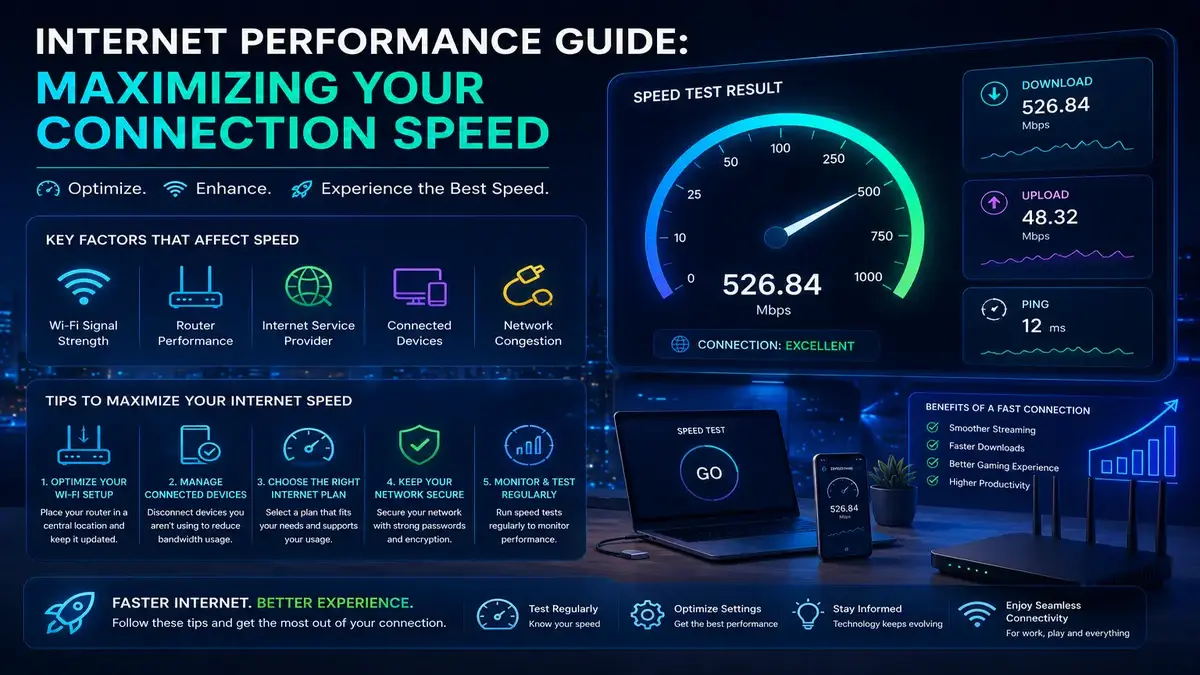
Internet Performance Guide: Every household wants a faster, more reliable internet connection, but the path to achieving that goal is rarely as simple as buying the fastest available plan. Maximizing your connection speed requires understanding what you’re actually paying for, eliminating hidden bottlenecks in your home network, and making informed decisions about your equipment and configuration. This comprehensive guide explores every major factor that influences real-world internet performance, providing a practical roadmap to help you get the most from your connection—regardless of the plan you currently have.
Understanding What “Internet Performance Guide” Actually Means
Internet Performance Guide: Service providers advertise a maximum theoretical speed, but that number represents a best-case scenario under ideal conditions rather than a guarantee you will experience at all times. Real-world factors like network congestion, equipment limitations, and physical distance from infrastructure all influence the speed you actually experience day to day. Understanding this distinction between advertised and realistic speed is the foundation for setting appropriate expectations and identifying genuine problems worth addressing.
How Providers Calculate Advertised Speeds
Advertised speeds are typically based on laboratory or best-case field testing conditions that few households replicate in daily use. Regulatory bodies in many regions require providers to disclose typical or average speeds alongside maximum figures, giving consumers a more realistic picture, though these disclosures are not always prominently displayed in marketing materials.
Choosing the Right Plan for Your Household
Maximizing your Internet performance Guide and connection speed starts with choosing a plan that genuinely matches your household’s needs. A household with several people simultaneously streaming, gaming, and video conferencing requires significantly more bandwidth than a single person primarily browsing and emailing. Calculating your household’s realistic peak simultaneous usage, rather than just adding up individual device counts, gives a more accurate picture of the plan tier that will actually serve you well.
Eliminating Wi-Fi Bottlenecks
For most households, Wi-Fi is the single biggest gap between advertised plan speed and actual experienced speed. Router placement, interference from other wireless networks and household electronics, and the age of your router’s wireless radios all constrain what your devices can actually achieve, regardless of how fast your underlying internet service is. Addressing these Wi-Fi-specific factors often produces a bigger improvement than any other single change you could make.
The Case for Modern, Capable Equipment
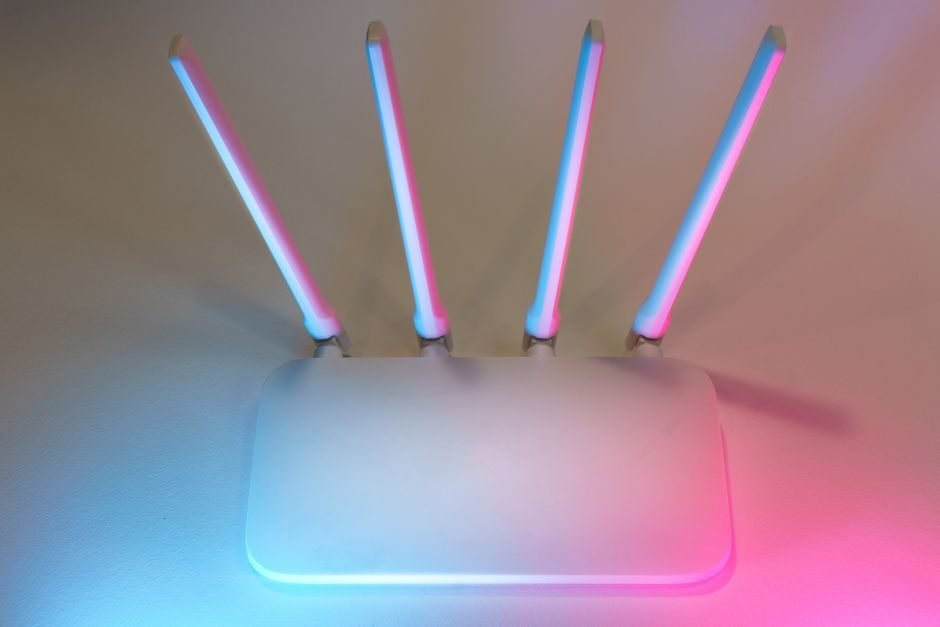
Older routers and modems, even ones that still function adequately for basic browsing, frequently cannot support the full speed of modern internet plans or take advantage of current Wi-Fi standards. Upgrading to equipment that matches or exceeds your plan’s speed tier, and supports modern wireless standards, ensures your equipment is not the limiting factor holding back an otherwise capable internet connection.
Prioritizing Wired Connections Where It Matters Most
For devices where maximum, consistent speed genuinely matters, a wired Ethernet connection remains unmatched by even the best wireless setup. Desktop computers, gaming consoles, streaming boxes, and home office equipment all benefit significantly from a direct wired connection, which eliminates wireless variability and typically delivers speeds much closer to your plan’s actual advertised maximum than Wi-Fi ever consistently achieves.
Managing Household Bandwidth Demand
Even with excellent equipment and configuration, simultaneous demand from many devices and activities can still limit the effective speed available to any single task. Understanding your household’s usage patterns and using Quality of Service features to prioritize latency-sensitive activities like video calls and gaming during periods of high overall demand helps ensure the activities that matter most to you get the bandwidth they need when it matters.
- Choose a plan tier that genuinely matches your household’s peak simultaneous usage patterns
- Position your router centrally, elevated, and away from interference sources for the best Wi-Fi coverage
- Upgrade equipment older than four or five years to support current speeds and wireless standards
- Use wired Ethernet connections for stationary devices where consistent maximum speed matters most
- Configure Quality of Service settings to prioritize latency-sensitive activities during busy periods
The Role of DNS and Server Selection
While not related to your raw bandwidth capacity, DNS server choice and, for certain activities, server or content delivery Internet Performance Guide and network selection can meaningfully affect how fast content actually feels to load. Faster DNS resolution shaves time off the initial connection process for every website you visit, contributing to a snappier overall browsing experience even without any change to your underlying connection speed itself.
Recognizing When You Have Hit a Genuine Ceiling
After optimizing your equipment, placement, and configuration, Internet Performance Guide comes a point where further improvement requires either a plan upgrade or addressing provider-side infrastructure issues. If wired speed tests consistently match your plan’s advertised rate closely, you have effectively maximized what your current plan can deliver, and further meaningful improvement would require upgrading to a higher-tier plan or a fundamentally different connection type, such as fiber where available.
Fiber, Cable, and Other Internet Performance Guide Connection Types
The underlying Internet Performance Guide connection type available in your area meaningfully shapes your realistic speed ceiling. Fiber connections typically offer the highest achievable speeds with symmetrical upload and download rates, while cable connections often provide strong download speeds but comparatively limited upload speeds. Understanding what connection types are actually available at your address helps set realistic expectations for what maximum performance genuinely looks like in your specific situation.
How This Internet Performance Guide Connects to Broader Speed Topics
Maximizing your connection speed draws on several related areas covered in more depth elsewhere. For a deeper look at the equipment and physical setup side of things, see our guide on hardware and connectivity, and for practical step-by-step troubleshooting, see our article on how to improve your internet speed.
Long-Term Maintenance for Sustained Speed
Achieving maximum speed is not a one-time event but a state that requires occasional maintenance to sustain over time. Periodically restarting equipment, keeping firmware updated, reviewing Internet Performance Guide connected devices for unfamiliar or unnecessary ones, and re-testing your speed every few months all help catch gradual degradation before it becomes a significant, frustrating problem that undermines the improvements you originally worked to achieve.
Balancing Cost and Performance
Maximizing Internet Performance: Guide speed does not necessarily mean pursuing the fastest, most expensive plan and equipment available. For many households, a moderate-tier plan combined with well-optimized equipment and configuration delivers a genuinely excellent everyday experience at a fraction of the cost of the highest available tier. Evaluating your actual usage patterns honestly, rather than assuming faster is always meaningfully better, helps you find the most cost-effective path to a connection that feels genuinely fast for your specific needs.
It is worth periodically reassessing this balance as your household’s needs evolve, since an Internet Performance Guide plan that once felt like overkill can become genuinely necessary as more devices, higher-resolution streaming, and new applications are added to your home over time. Revisiting your plan and equipment choices every year or two, rather than locking in a decision indefinitely, keeps your investment aligned with your actual, current needs.
The Impact of Simultaneous High-Demand Activities
Certain combinations of activities place unusually heavy simultaneous demand on a connection, such as multiple household members conducting video calls while another streams 4K video and a background device performs a large software update. Understanding which specific combinations regularly occur in your household, and configuring Quality of Service rules or simply coordinating timing around especially demanding periods, helps ensure that no single moment of peak demand degrades the experience for everyone at once.
Testing Internet Performance Guide After Every Meaningful Change
Whenever you make a change intended to maximize your speed, whether upgrading equipment, repositioning your router, or switching plans, testing immediately afterward under consistent conditions confirms whether the change actually produced the improvement you expected. This habit of testing after changes, rather than assuming an upgrade automatically worked, catches situations where a change had no effect or, occasionally, made things worse due to a configuration issue that needs further attention.
Frequently Asked Questions
What is a realistic Internet Performance Guide speed to expect compared to my plan’s advertised number?
Consistently achieving eighty to ninety percent of your advertised speed on a wired connection is generally considered normal and healthy performance for most residential internet plans and connection types.
Will upgrading my Internet Performance Guide plan actually help if my Wi-Fi is the bottleneck?
Not necessarily. If Wi-Fi limitations are your primary bottleneck, addressing router placement, equipment age, and interference will likely help more than an Internet Performance Guide plan upgrade until those underlying issues are resolved.
How much of a difference does router placement really make?
Significantly, often more than people expect. Central, elevated placement away from obstructions can meaningfully improve both coverage and achievable speed throughout your home.
Is fiber Internet Performance Guide always faster than cable?
Fiber typically offers higher achievable speeds and more consistent, symmetrical performance, though a high-tier cable plan can still perform very well for most typical household needs.
Does the number of devices connected affect maximum achievable speed?
Yes, more active devices sharing the same connection reduce the effective bandwidth available to any single device, particularly during simultaneous demanding activities like streaming and large downloads.
Can old Ethernet cables limit my wired speed?
Yes, older cable standards can cap achievable speeds even on fast connections, so verifying you are using a current cable standard is worth checking if wired speeds seem unexpectedly low.
Should I test speed on Wi-Fi or wired to know my true maximum?
Test on a wired connection to establish your true maximum achievable speed, then test on Wi-Fi separately to understand the gap attributable specifically to your wireless network.
How often should equipment be upgraded to maintain maximum speed?
Generally every four to six years, or sooner if new Wi-Fi standards are released and your household would meaningfully benefit from the improved capacity and coverage they offer.
Can my internet service provider help me achieve maximum speed?
Yes, providers can check line quality, confirm correct modem provisioning, and identify local infrastructure issues that no amount of home network optimization alone could resolve.
Is upload speed as important as download speed for most households?
For typical browsing and streaming, download speed matters more. For video calls, cloud backups, and content creation, upload speed becomes increasingly important and worth prioritizing.
Does a mesh Wi-Fi system reduce maximum achievable speed compared to a single router?
A well-configured mesh system generally performs comparably to a single router for most households, while providing significantly better coverage throughout larger homes with multiple floors.
What is the single most impactful change most households can make?
For most households, addressing router placement and upgrading outdated equipment tends to produce the most noticeable, immediate improvement relative to the effort and cost involved.
Can too many smart home devices reduce my maximum speed?
Collectively, yes, particularly on the 2.4 gigahertz band. A modern router with sufficient device capacity or network segmentation can help mitigate this effect.
Should I retest my speed after every firmware update?
It is a good habit, since firmware updates occasionally change performance in either direction, and confirming your speed afterward ensures you catch any unexpected regression quickly.
Is a moderate-tier plan enough for most households?
For many households with typical browsing, streaming, and video calling needs, a moderate-tier plan combined with well-optimized equipment provides a genuinely excellent everyday experience.
Does reducing the number of connected devices actually free up noticeable speed?
Yes, particularly if some of those devices were running background updates or backups, disconnecting genuinely unused devices can free up meaningful bandwidth for the devices that remain.
How do I know if a plan upgrade will actually solve my problem?
If wired speeds already closely match your current plan’s advertised rate even after optimization, a plan upgrade is likely to help. If wired speeds already fall short, optimization should come first.
Does using a VPN reduce my maximum achievable speed?
Yes, typically, since encryption overhead and an additional network hop introduce some reduction, though the impact varies depending on the specific VPN provider and server location chosen.
Can outdated computer hardware limit my maximum speed even with a fast plan?
Yes, an older network adapter or an overloaded, aging computer can bottleneck your effective speed regardless of how capable your router and internet plan actually are.
Maximizing your internet connection speed is ultimately about closing the gap between what you are paying for and what you actually experience day to day. According to the FCC’s broadband speed guide, understanding your household’s genuine bandwidth needs relative to your plan is an essential starting point for any effort to maximize your real-world internet performance.